
Bracket
A mounting bracket with four holes: the worked example of docs/examples/bracket.md.
Uses: sketch, pattern.
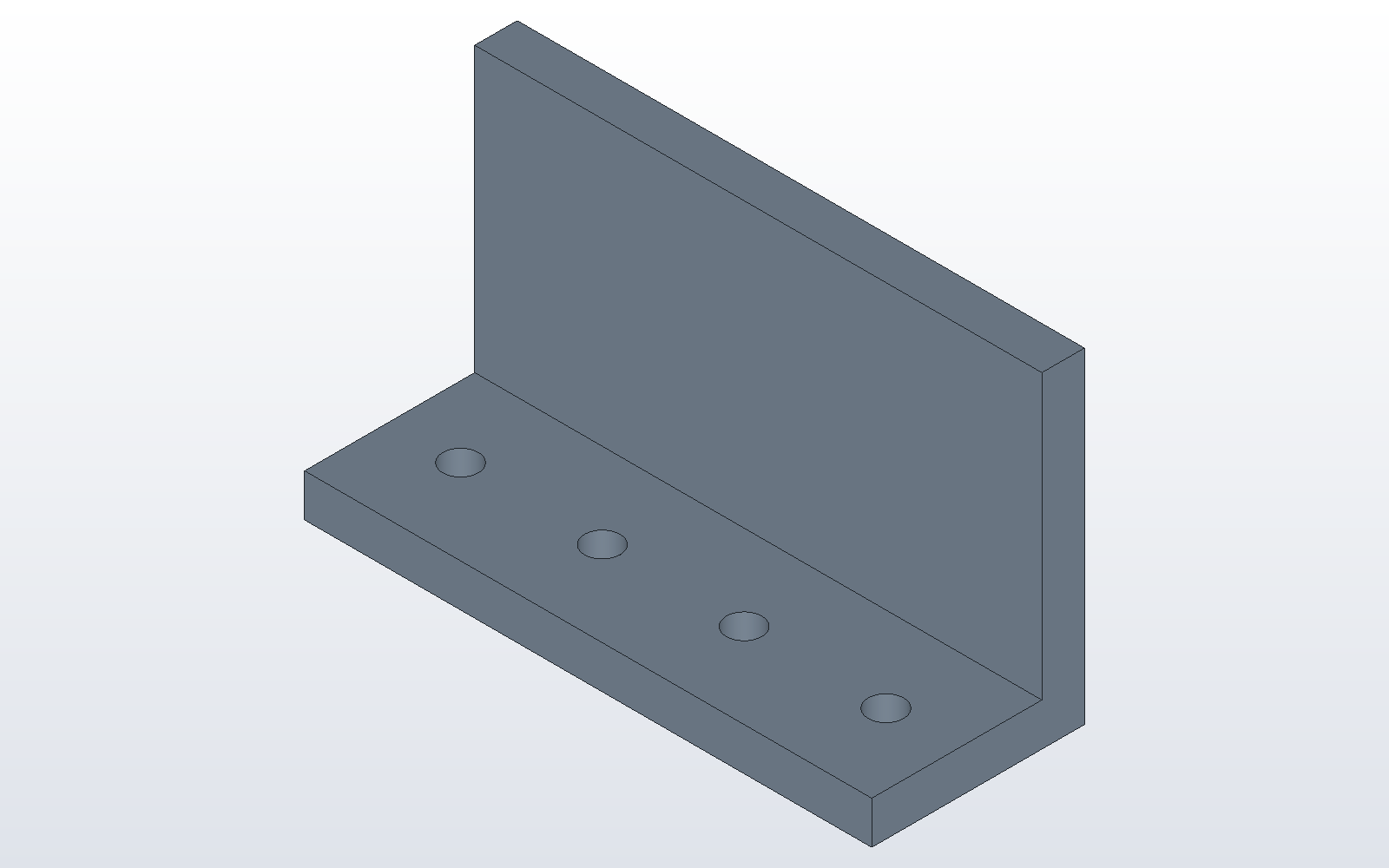
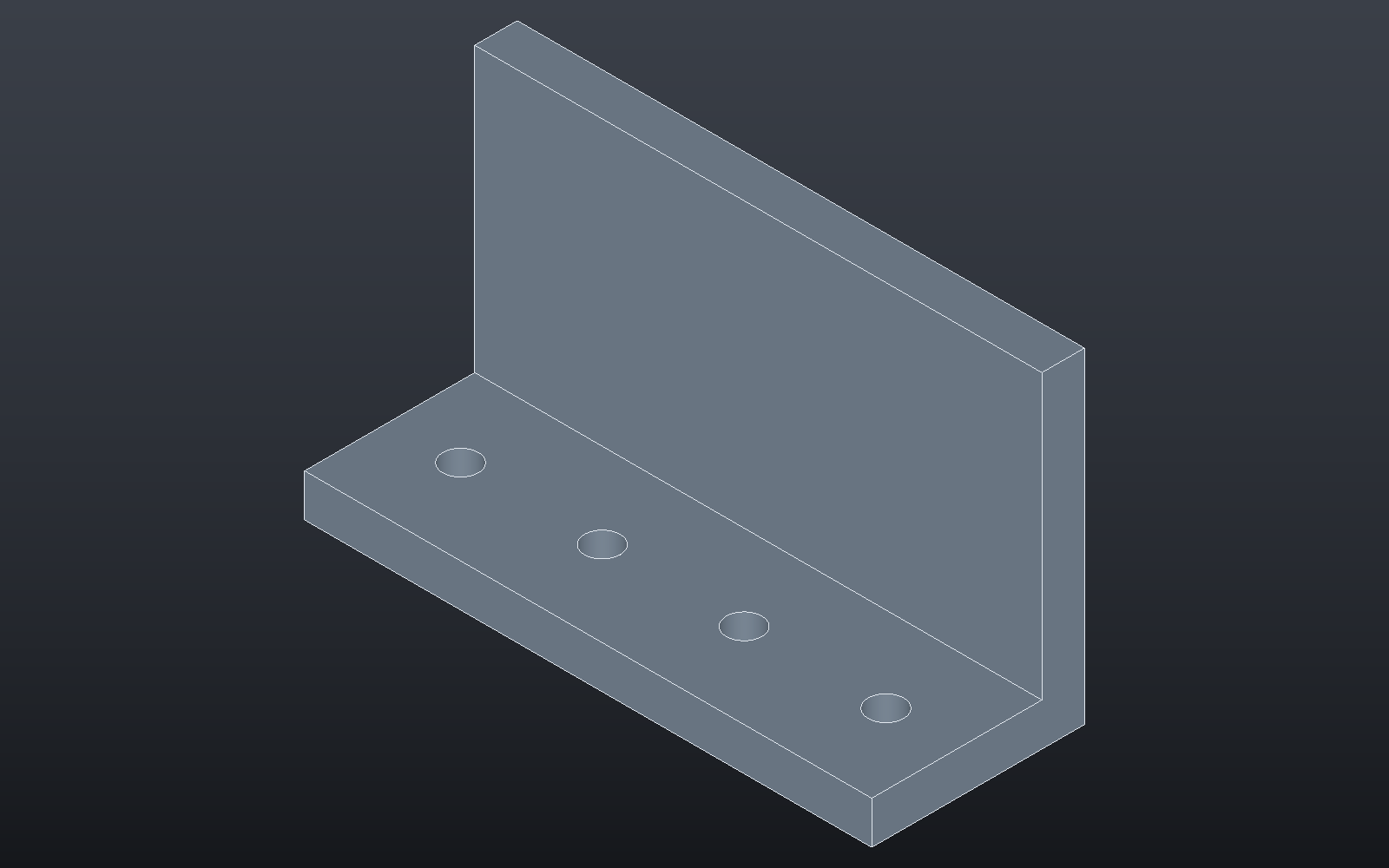
How to open it in DX-CAD
This example ships with DX-CAD. Copy it into a folder, then open it in the window:
dxcad examples bracket
dxcad gui bracket.py
To build it into a project from the command line instead:
dxcad run bracket.py --output bracket.dxcprt
dxcad describe bracket.dxcprt
Change a number at the top of the script and run it again: that is the whole of DX-CAD's parametric model.
The whole script: bracket.py
# SPDX-License-Identifier: Apache-2.0
"""A mounting bracket with four holes: the worked example of docs/examples/bracket.md.

An L in section, drawn on the YZ plane and extruded along X, with a row of
holes through its base. Every name the kernel and the sketch API have is
already in scope. Change a number and run it again.

Tags: sketch
"""

LENGTH = 80.0
DEPTH = 30.0
HEIGHT = 46.0
THICKNESS = 6.0
HOLES = 4
HOLE_DIAMETER = 5.0
INSET = 10.0

section = (
    Sketch(Plane.YZ)
    .move_to((0, 0))
    .line_to((DEPTH, 0))
    .line_to((DEPTH, HEIGHT))
    .line_to((DEPTH - THICKNESS, HEIGHT))
    .line_to((DEPTH - THICKNESS, THICKNESS))
    .line_to((0, THICKNESS))
    .close()
)
body = section.extrude(LENGTH)

pitch = (LENGTH - 2 * INSET) / (HOLES - 1)
drill = make_cylinder(HOLE_DIAMETER / 2, THICKNESS, origin=(INSET, (DEPTH - THICKNESS) / 2, 0))
drills = linear_pattern(drill, (pitch, 0, 0), HOLES)

part("bracket", cut_all(body, drills), color="steel")