
Channel
A lipped channel, its width, depth and lips dimensioned to the outside.
Uses: sheet metal.
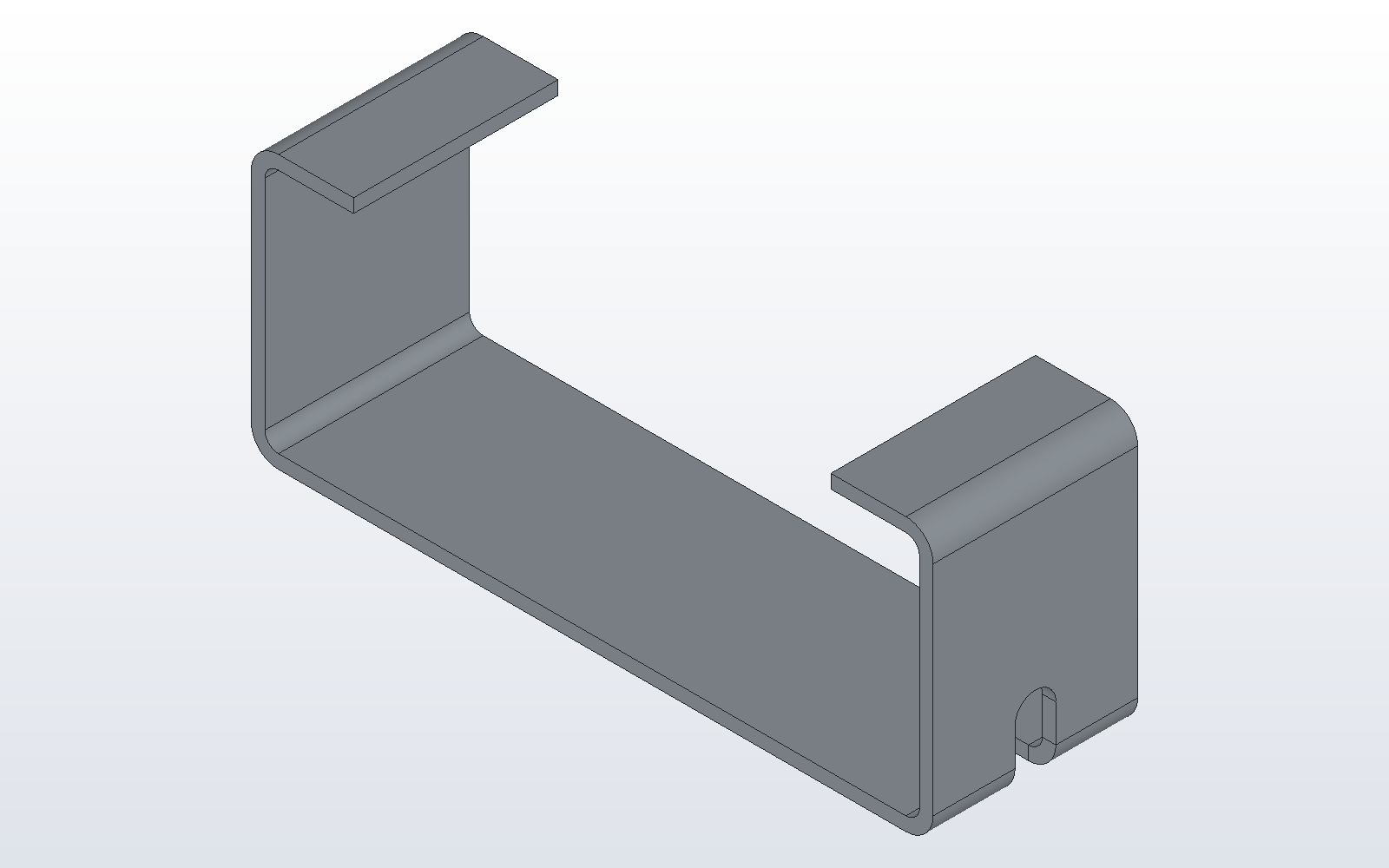
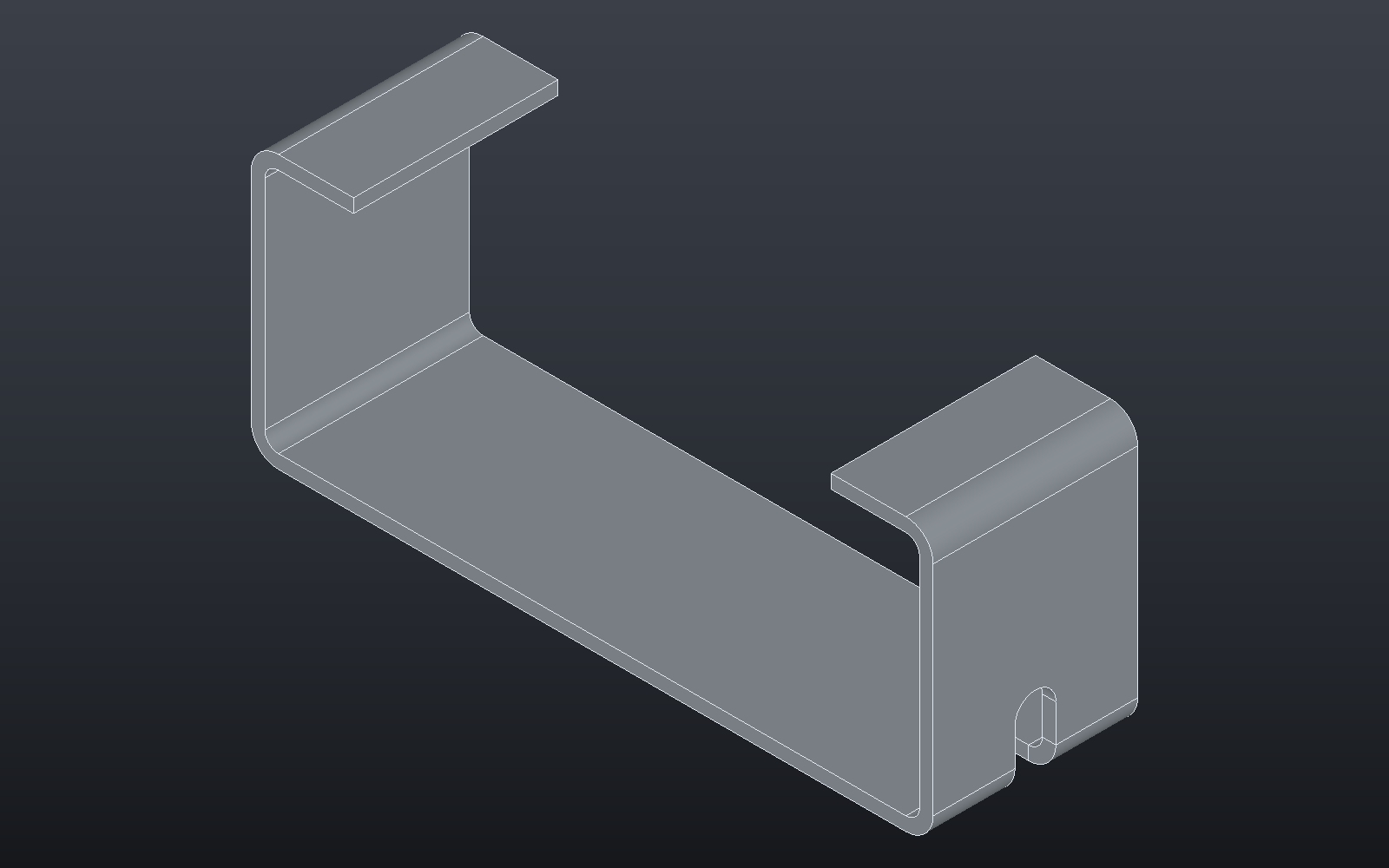
How to open it in DX-CAD
This example ships with DX-CAD. Copy it into a folder, then open it in the window:
dxcad examples channel
dxcad gui channel.py
To build it into a project from the command line instead:
dxcad run channel.py --output channel.dxcprt
dxcad describe channel.dxcprt
Change a number at the top of the script and run it again: that is the whole of DX-CAD's parametric model.
The whole script: channel.py
# SPDX-License-Identifier: Apache-2.0
"""A lipped channel, its width, depth and lips dimensioned to the outside.

A drawing gives a channel's sizes over the outside of the sheet, and
`length_from="outside"` takes a flange's length that way: the depth runs
outside to outside over both bends, and the lip to the outside at its own
bend. The base is drawn to where the bends start, the outside width less one
outside setback (bend radius plus thickness, at 90 degrees) at each side. A
slot runs across the bend of one side, given on the flat and cut as it will
be on the shop floor, on the flat and then bent: `bend_cut` wraps it round
the bend. Its flat is 196.096 x 30.000 mm. Build it and unfold it with:

    dxcad run channel.py --output channel.dxcprt
    dxcad flat channel.dxcprt --part channel

Tags: sheet
"""

WIDTH = 100.0
DEPTH = 40.0
LIP = 15.0
LENGTH = 30.0
THICKNESS = 2.0
BEND_RADIUS = 2.0
K_FACTOR = 0.44
SLOT_WIDTH = 6.0

spec = SheetSpec(THICKNESS, BEND_RADIUS, K_FACTOR)
setback = BEND_RADIUS + THICKNESS
inside = WIDTH - 2 * setback
channel = base_flange([(0, 0), (inside, 0), (inside, LENGTH), (0, LENGTH)], spec)
for edge in (1, 3):
    channel = flange(channel, edge, DEPTH, return_length=LIP, length_from="outside")
# On the flat, edge 1's bend starts at x = inside: the slot runs from the base,
# over the bend, onto the leg.
channel = bend_cut(channel, slot=(inside - 6, LENGTH / 2, inside + 10, LENGTH / 2, SLOT_WIDTH))

part("channel", channel, color="galvanised")