
Door
A door hung on one hinge sub-assembly used twice, from door-hinge.dxcasm.
Uses: assembly.
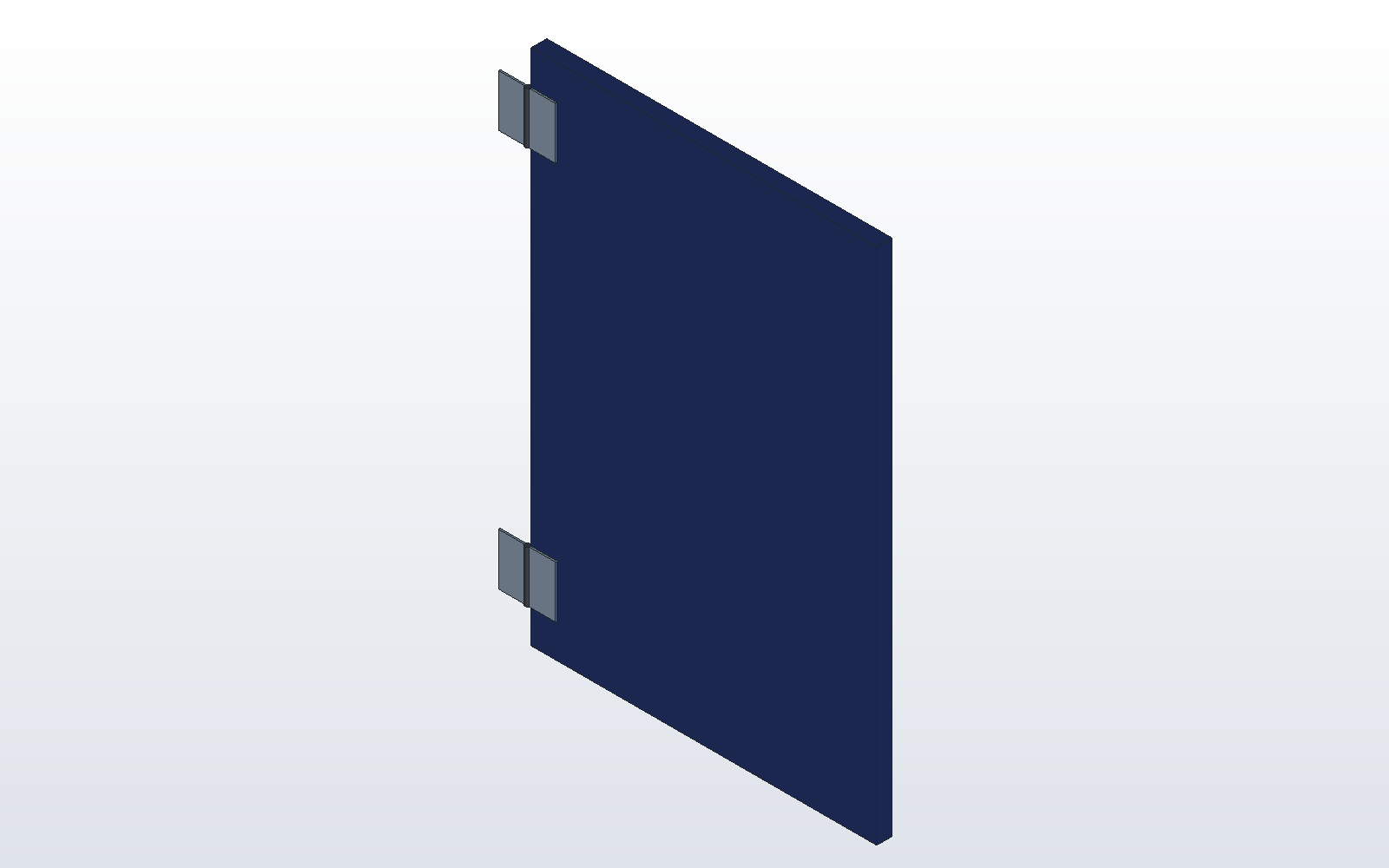
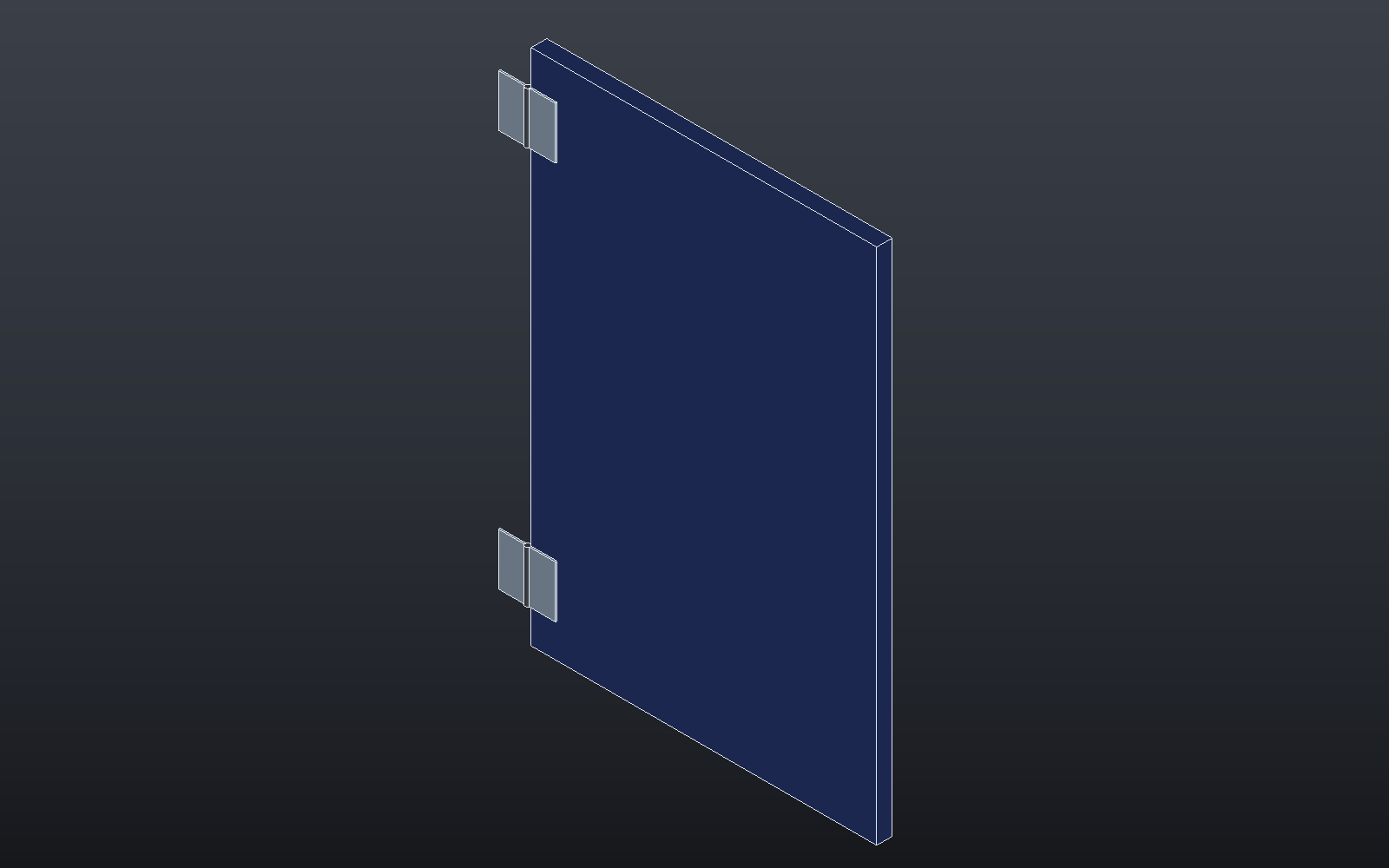
How to open it in DX-CAD
This example ships with DX-CAD. Copy it into a folder, then open it in the window:
dxcad examples door
dxcad gui door.py
To build it into a project from the command line instead:
dxcad run door.py --output door.dxcprt
dxcad describe door.dxcprt
Change a number at the top of the script and run it again: that is the whole of DX-CAD's parametric model.
This example keeps door-hinge.dxcasm beside the script.
The whole script: door.py
# SPDX-License-Identifier: Apache-2.0
"""A door hung on one hinge sub-assembly used twice, from door-hinge.dxcasm.

The hinge, two leaves and a pin, is a project of its own. `use` with
`as_group=True` takes it as one sub-assembly, which `place` puts in twice,
each copy's parts named `hinge_top/leaf_1` and so on. `dxcad bom door.py`
lists the hinge twice, with each of its leaves and its pin twice under it.
Copy door-hinge.dxcasm beside this file; `dxcad examples door` does.

Tags: assembly
"""

WIDTH = 400.0
HEIGHT = 600.0
THICKNESS = 18.0

part("door", make_box(WIDTH, THICKNESS, HEIGHT), color="navy")

# On the door's front face, at y = 0: the hinge's leaves are 2 thick.
hinge = use("door-hinge.dxcasm", as_group=True)
place("hinge_top", hinge, at=(0, -2, HEIGHT - 100))
place("hinge_bottom", hinge, at=(0, -2, 40))