
Drawn bracket
An angle bracket with its drawing, drawn_bracket.dxcdrg, on an ISO A3 sheet.
Uses: drawing.
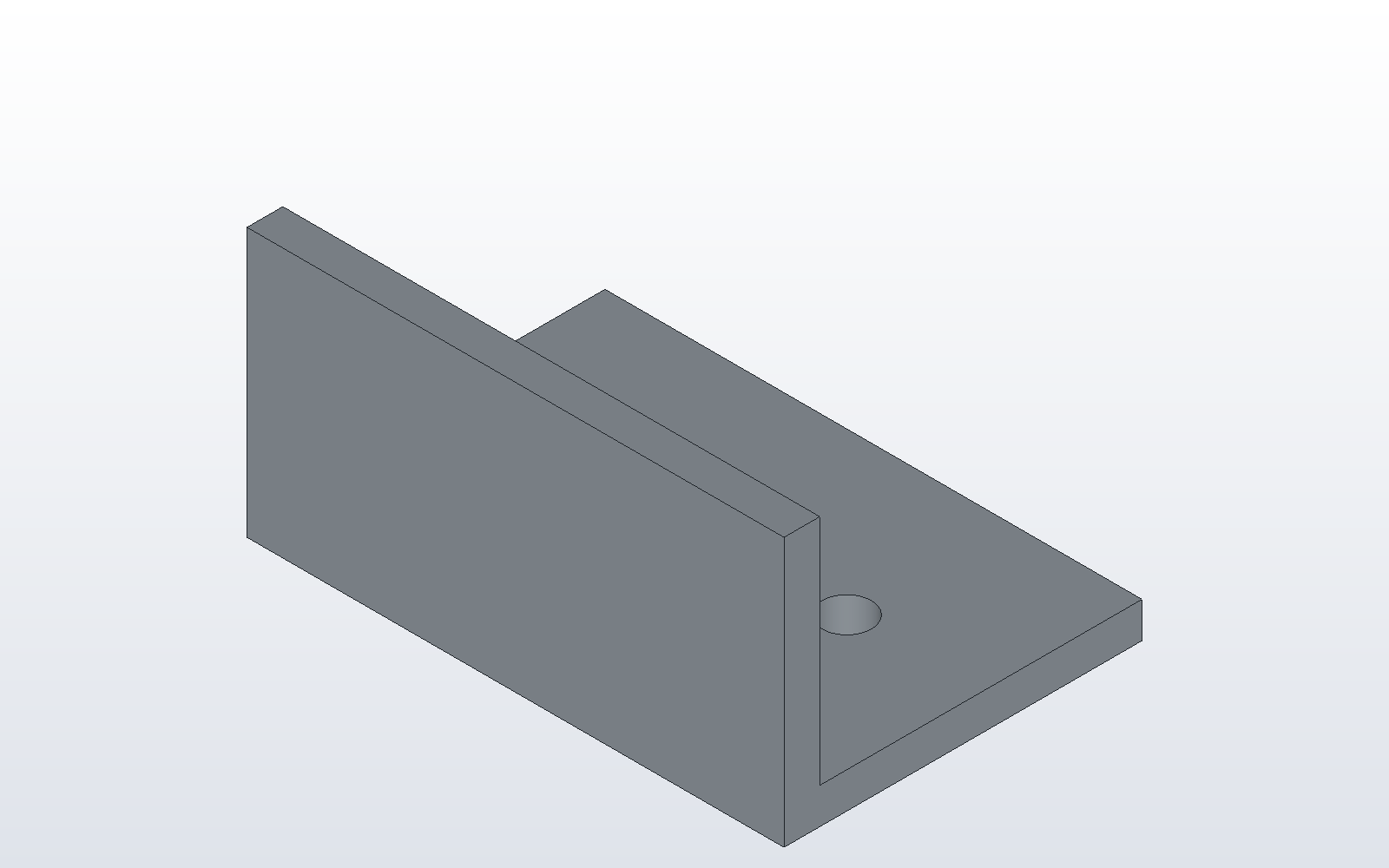
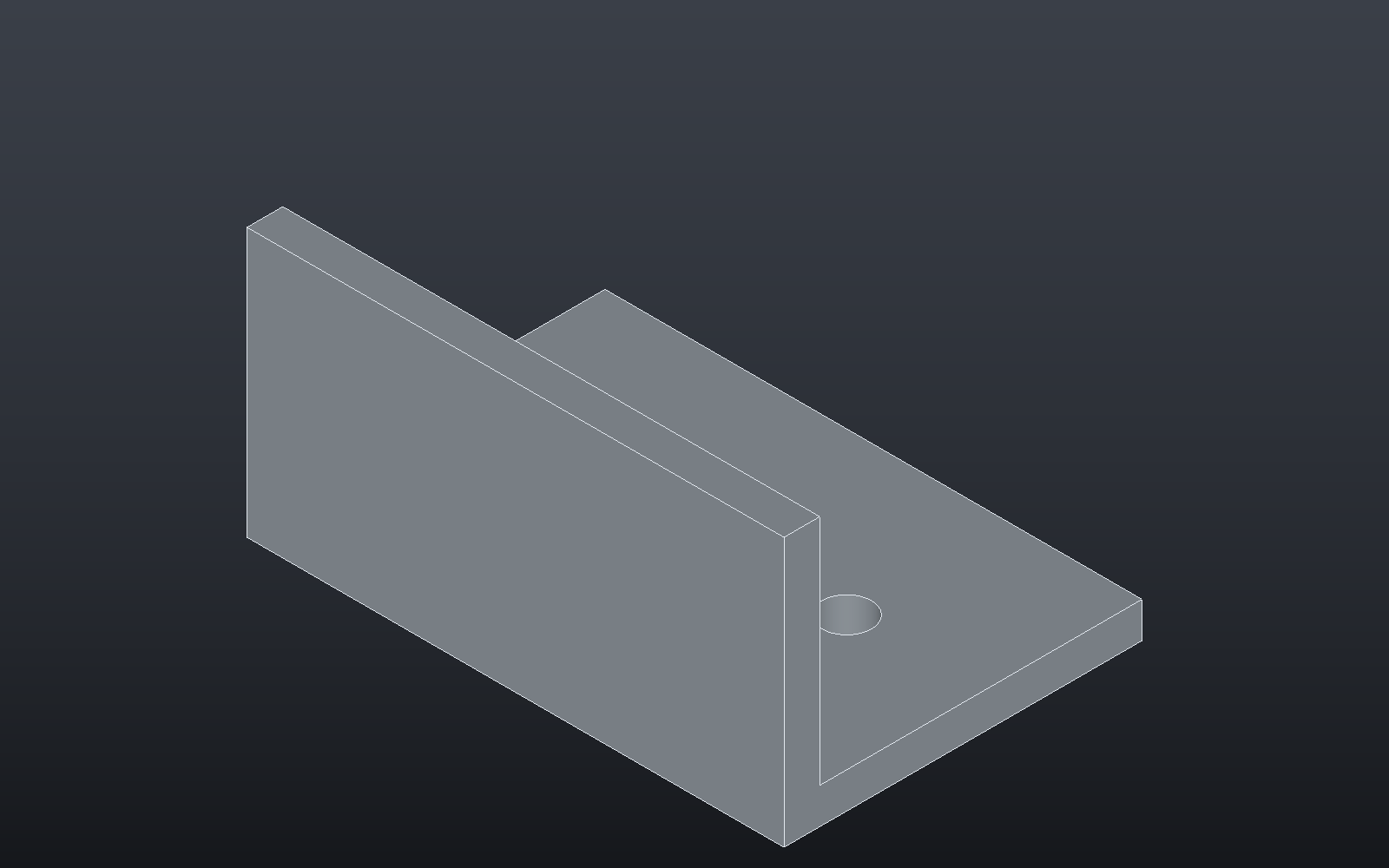
How to open it in DX-CAD
This example ships with DX-CAD. Copy it into a folder, then open it in the window:
dxcad examples drawn_bracket
dxcad gui drawn_bracket.py
To build it into a project from the command line instead:
dxcad run drawn_bracket.py --output drawn_bracket.dxcprt
dxcad describe drawn_bracket.dxcprt
Change a number at the top of the script and run it again: that is the whole of DX-CAD's parametric model.
This example keeps drawn_bracket.dxcdrg beside the script.
The whole script: drawn_bracket.py
# SPDX-License-Identifier: Apache-2.0
"""An angle bracket with its drawing, drawn_bracket.dxcdrg, on an ISO A3 sheet.

The drawing holds no geometry: it names the model, the sheet, the title
block's fields and where each view has been moved, and is drawn again from
the model whenever it is opened. Build the model beside it and export the
drawing with:

    dxcad run drawn_bracket.py --output drawn_bracket.dxcprt
    dxcad drawing drawn_bracket.dxcdrg drawn_bracket.pdf

Tags: drawing
"""

LENGTH = 60.0
WIDTH = 40.0
HEIGHT = 30.0
THICKNESS = 4.0
HOLE = 5.5

bracket = fuse(make_box(LENGTH, WIDTH, THICKNESS), make_box(LENGTH, THICKNESS, HEIGHT))
for x in (LENGTH / 4, 3 * LENGTH / 4):
    hole = translate(make_cylinder(HOLE / 2, THICKNESS), (x, (WIDTH + THICKNESS) / 2, 0))
    bracket = cut(bracket, hole)

part("bracket", bracket, color="galvanised")