
Enclosure
A box and its lid, two parts from one model.
Uses: shell.
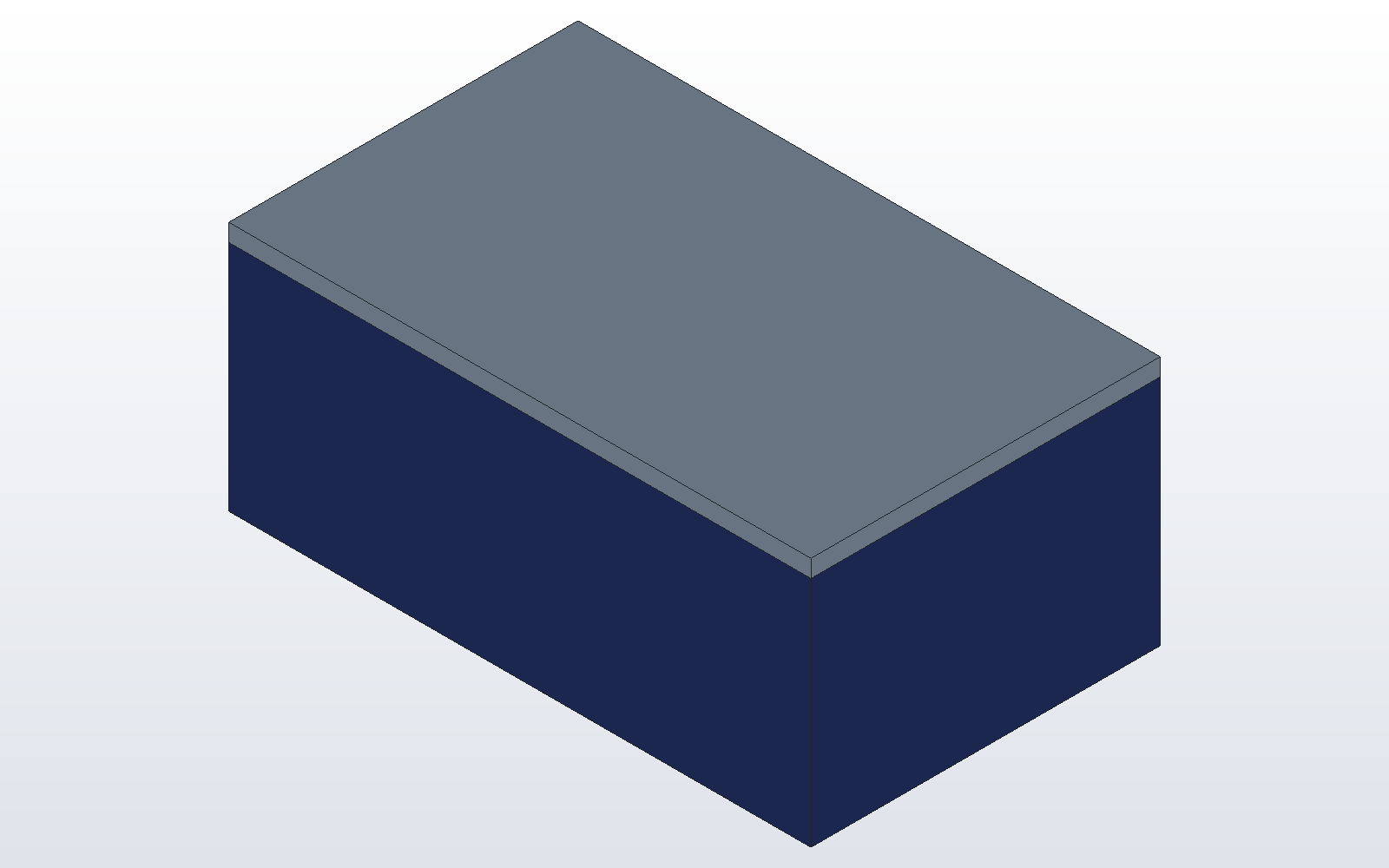
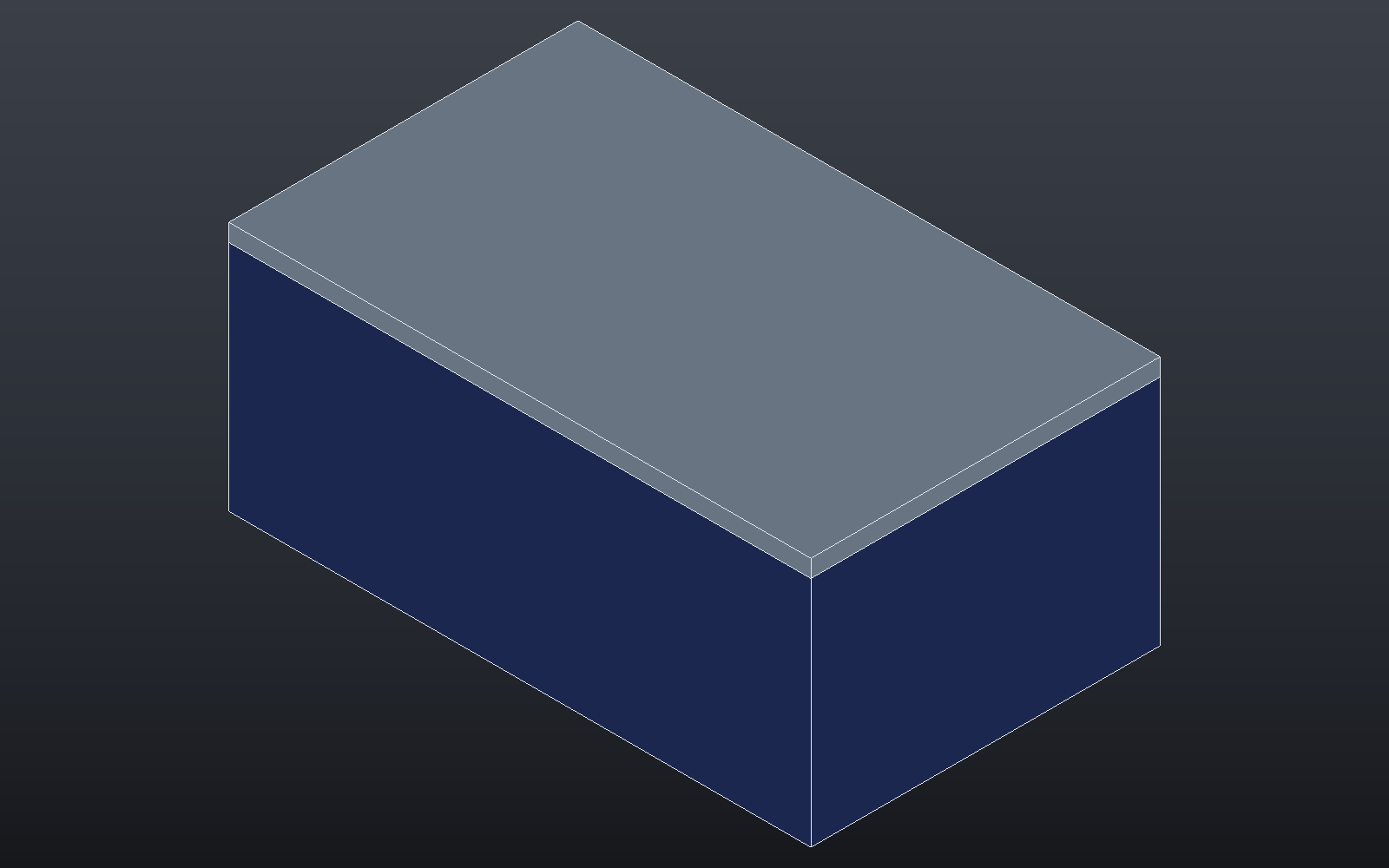
How to open it in DX-CAD
This example ships with DX-CAD. Copy it into a folder, then open it in the window:
dxcad examples enclosure
dxcad gui enclosure.py
To build it into a project from the command line instead:
dxcad run enclosure.py --output enclosure.dxcprt
dxcad describe enclosure.dxcprt
Change a number at the top of the script and run it again: that is the whole of DX-CAD's parametric model.
The whole script: enclosure.py
# SPDX-License-Identifier: Apache-2.0
"""A box and its lid, two parts from one model.

The box is a block hollowed to one wall thickness with its top left open. The
lid is a plate with a lip underneath that drops inside the walls with
CLEARANCE to spare all round. They fit because they are made from the same
numbers: change WALL and both parts change, and they fit still.

Tags: solid
"""

LENGTH = 100.0
WIDTH = 60.0
HEIGHT = 40.0
WALL = 2.0
LID = 3.0
LIP = 4.0
CLEARANCE = 0.2

block = make_box(LENGTH, WIDTH, HEIGHT)
(top,) = faces_parallel_to(block, (0, 0, 1))
part("box", hollow(block, WALL, [top]), color="navy")

# The lid is built where it sits when the box is closed: its plate on the
# walls' tops and its lip hanging down inside them.
plate = make_box(LENGTH, WIDTH, LID, origin=(0, 0, HEIGHT))
gap = WALL + CLEARANCE
outer = make_box(LENGTH - 2 * gap, WIDTH - 2 * gap, LIP, origin=(gap, gap, HEIGHT - LIP))
inset = gap + WALL
inner = make_box(LENGTH - 2 * inset, WIDTH - 2 * inset, LIP, origin=(inset, inset, HEIGHT - LIP))
part("lid", fuse(plate, cut(outer, inner)), color="steel")