
Handle
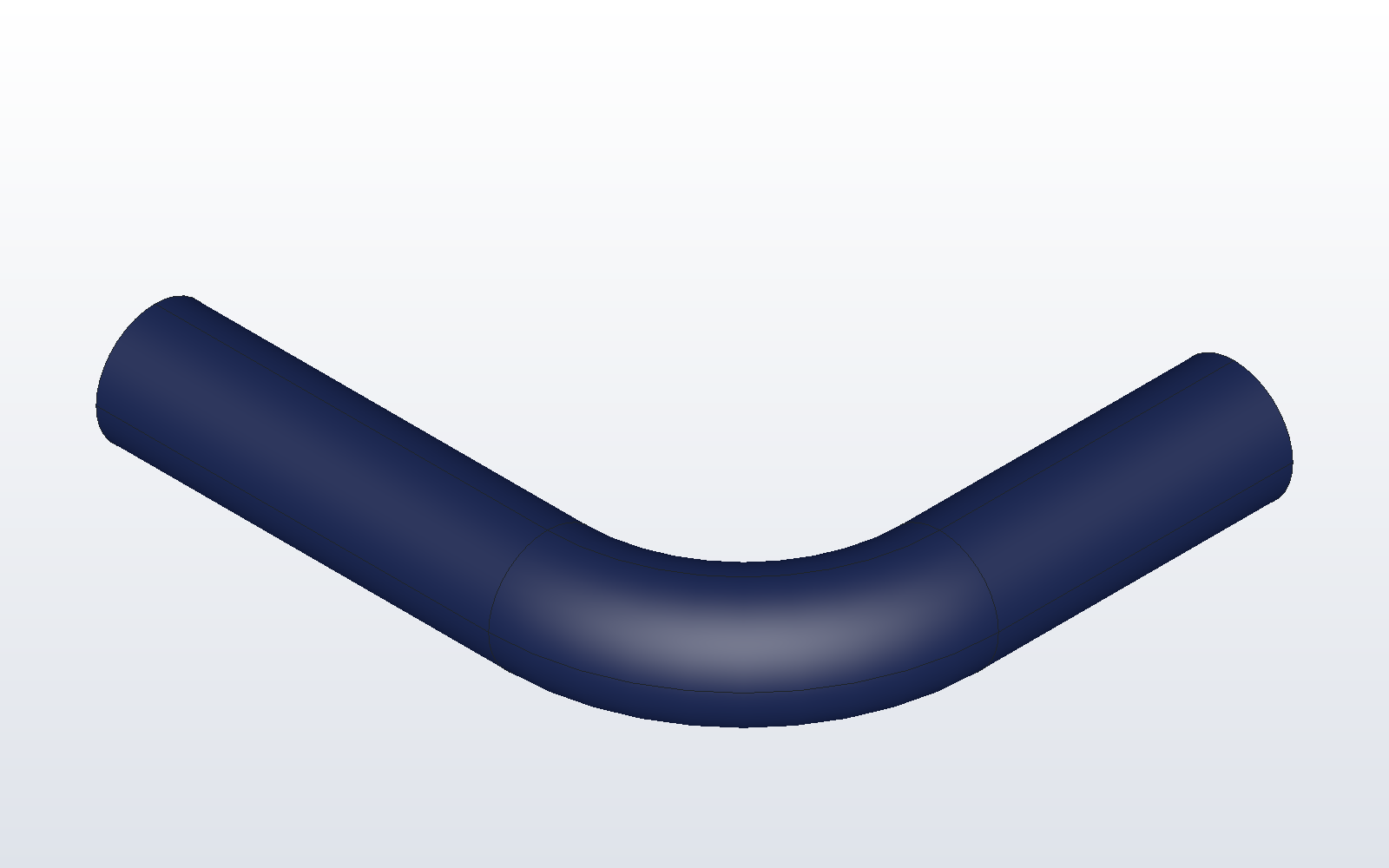
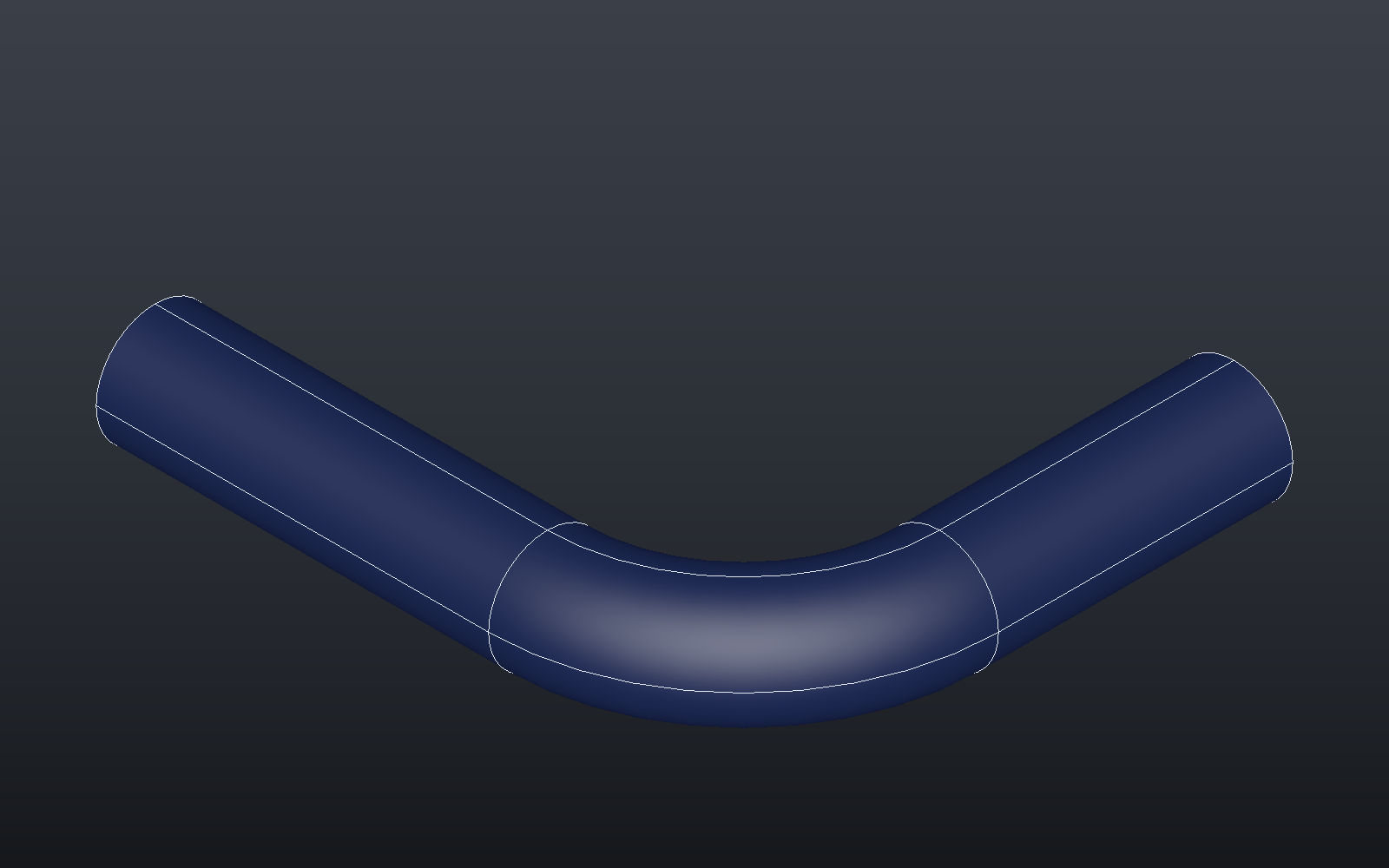
A bent handle, a round bar swept along a path.
Uses: sketch, sweep.
How to open it in DX-CAD
This example ships with DX-CAD. Copy it into a folder, then open it in the window:
dxcad examples handle
dxcad gui handle.py
To build it into a project from the command line instead:
dxcad run handle.py --output handle.dxcprt
dxcad describe handle.dxcprt
Change a number at the top of the script and run it again: that is the whole of DX-CAD's parametric model.
The whole script: handle.py
# SPDX-License-Identifier: Apache-2.0
"""A bent handle, a round bar swept along a path.

Extrude carries a section in a straight line, revolve turns one about an axis
and loft runs between two of them; a section carried along a path the model
draws is a sweep. The path is an open wire, which is what Sketch.path() hands
back: two straight legs and a quarter turn between them, tangent to both, so
the bar bends rather than kinks. The section is a circle on the plane the
path sets off through.

Tags: sketch
"""

SECTION = 12.0
RUN = 40.0
BEND = 20.0
RISE = 30.0

# The path lies in XY and leaves the origin along +X, turning left at the end
# of the run. A positive radius turns left, and this one is a quarter circle:
# the corner it turns is BEND across and BEND up.
path = (
    Sketch()
    .move_to((0, 0))
    .line_to((RUN, 0))
    .arc_to((RUN + BEND, BEND), BEND)
    .line_to((RUN + BEND, BEND + RISE))
)

# The section stands square to the path where it starts, so it is drawn on
# YZ, whose normal is +X, and centred on the path's first point.
section = Sketch(Plane.YZ).circle((0, 0), SECTION / 2)

part("handle", sweep(section.face(), path.path()), color="navy")