
Knob
A scalloped knob with a pocket for a captive nut.
Uses: sketch, pattern.
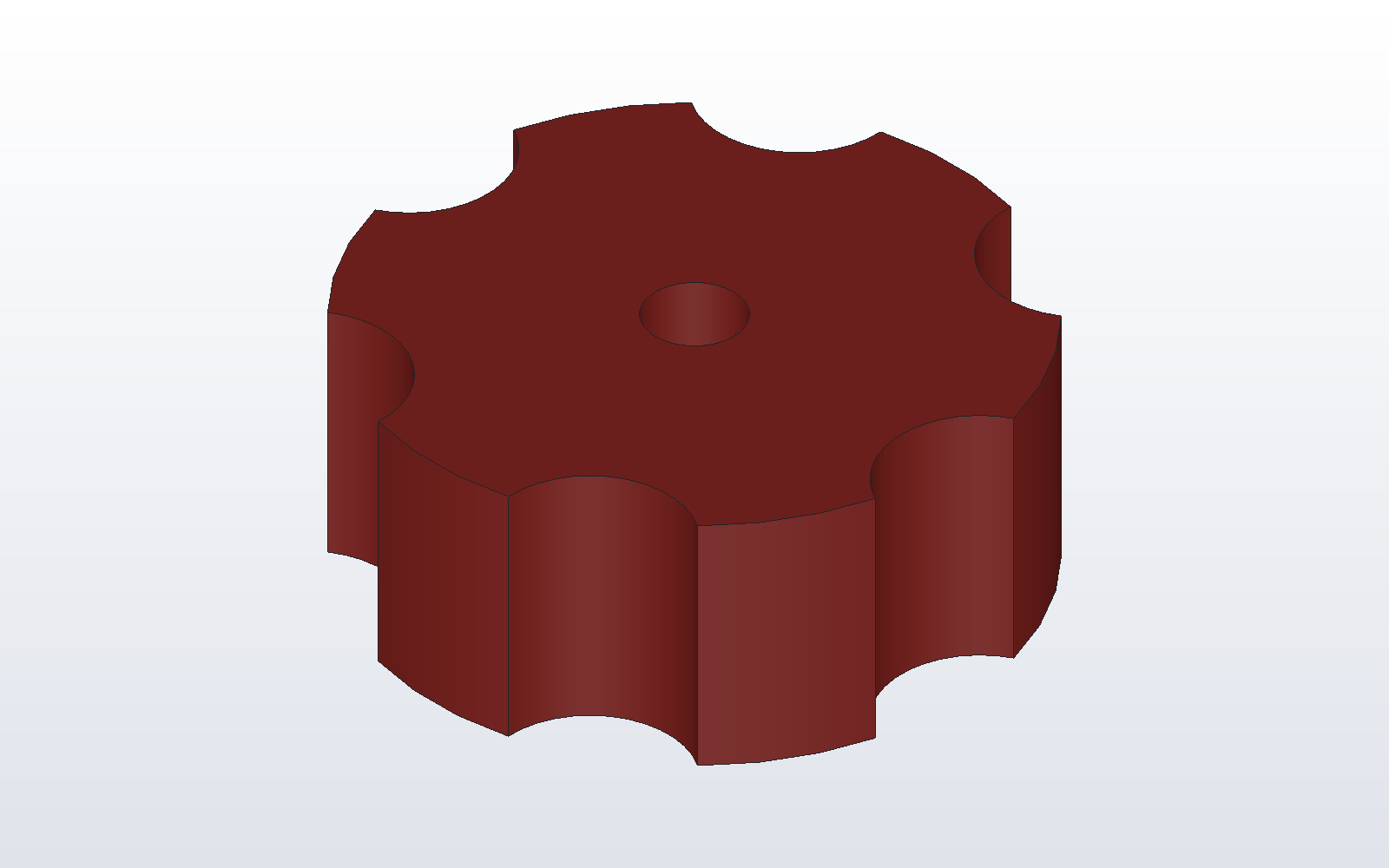
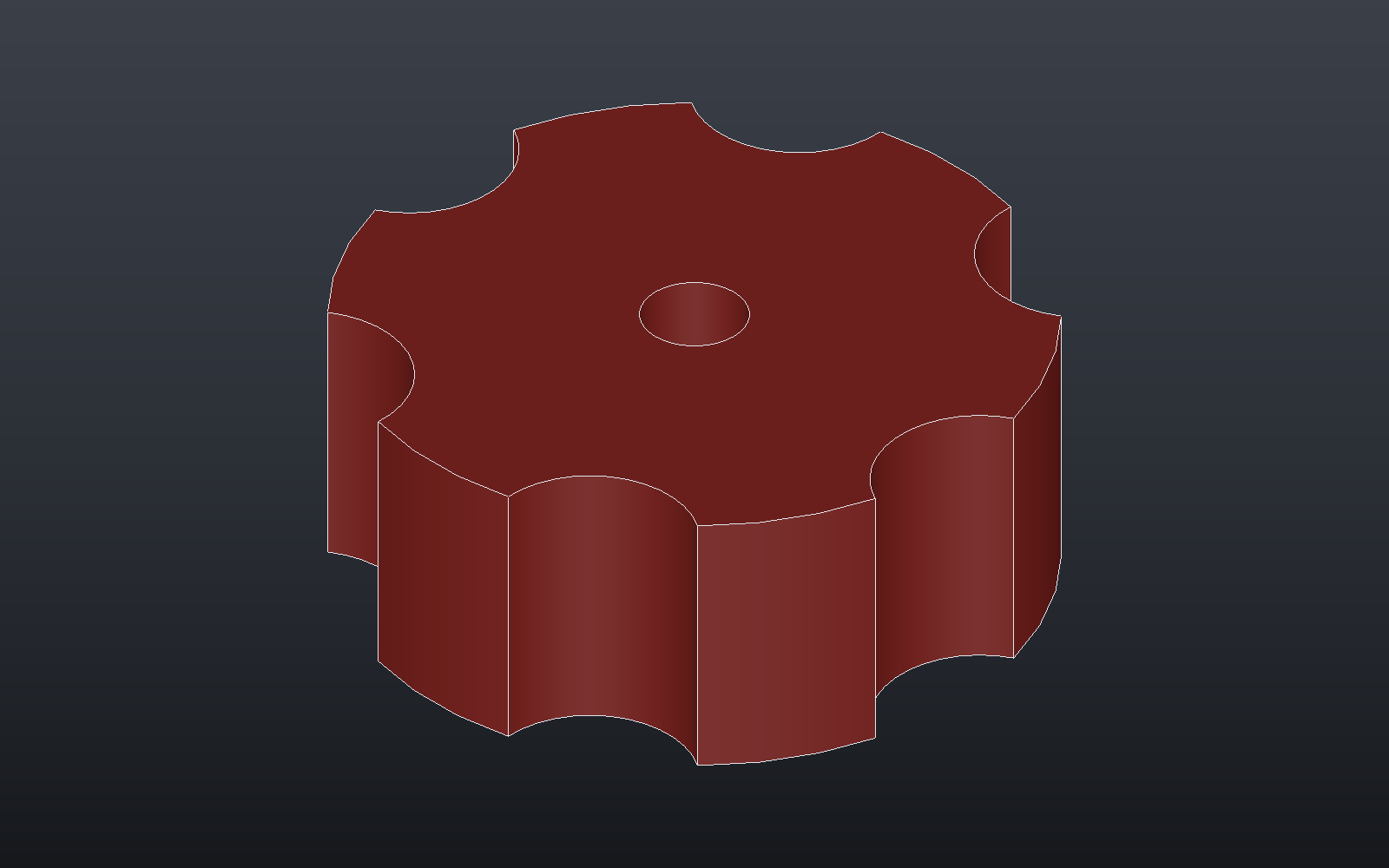
How to open it in DX-CAD
This example ships with DX-CAD. Copy it into a folder, then open it in the window:
dxcad examples knob
dxcad gui knob.py
To build it into a project from the command line instead:
dxcad run knob.py --output knob.dxcprt
dxcad describe knob.dxcprt
Change a number at the top of the script and run it again: that is the whole of DX-CAD's parametric model.
The whole script: knob.py
# SPDX-License-Identifier: Apache-2.0
"""A scalloped knob with a pocket for a captive nut.

A round knob with LOBES finger scallops cut around its rim, a bore for the
screw and a hexagonal pocket underneath that holds a nut. One scallop is made
and circular_pattern turns it about the axis; every cut is then taken in one
cut_all, the scallops, the bore and the pocket together.

Tags: solid
"""

DIAMETER = 40.0
HEIGHT = 16.0
LOBES = 6
SCALLOP = 12.0
SCALLOP_OFFSET = 2.0
BORE = 6.0
NUT = 10.0
NUT_DEPTH = 5.0

body = make_cylinder(DIAMETER / 2, HEIGHT)

# Each scallop is a cylinder standing just outside the rim and biting into it.
scallop = make_cylinder(SCALLOP / 2, HEIGHT, origin=(DIAMETER / 2 + SCALLOP_OFFSET, 0, 0))
scallops = circular_pattern(scallop, (0, 0, 0), (0, 0, 1), LOBES)

bore = make_cylinder(BORE / 2, HEIGHT)
# A nut is sized across its flats; the sketch wants the radius to a corner.
pocket = Sketch().polygon((0, 0), NUT / 3**0.5, 6).extrude(NUT_DEPTH)

part("knob", cut_all(body, [*scallops, bore, pocket]), color="dx-red")