
Mated enclosure
A round enclosure whose lid is placed on its base by two mates.
Uses: assembly, mates.
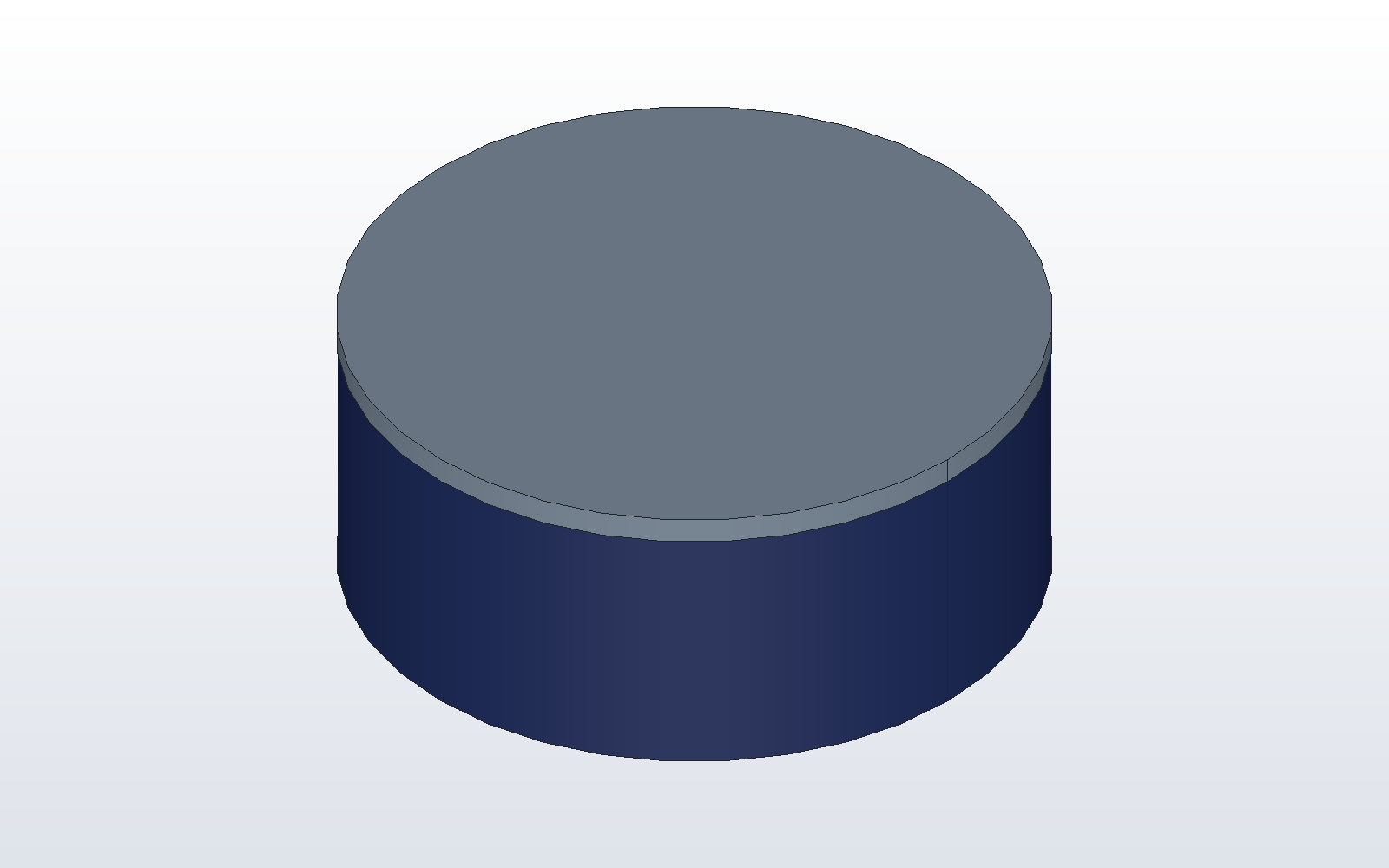
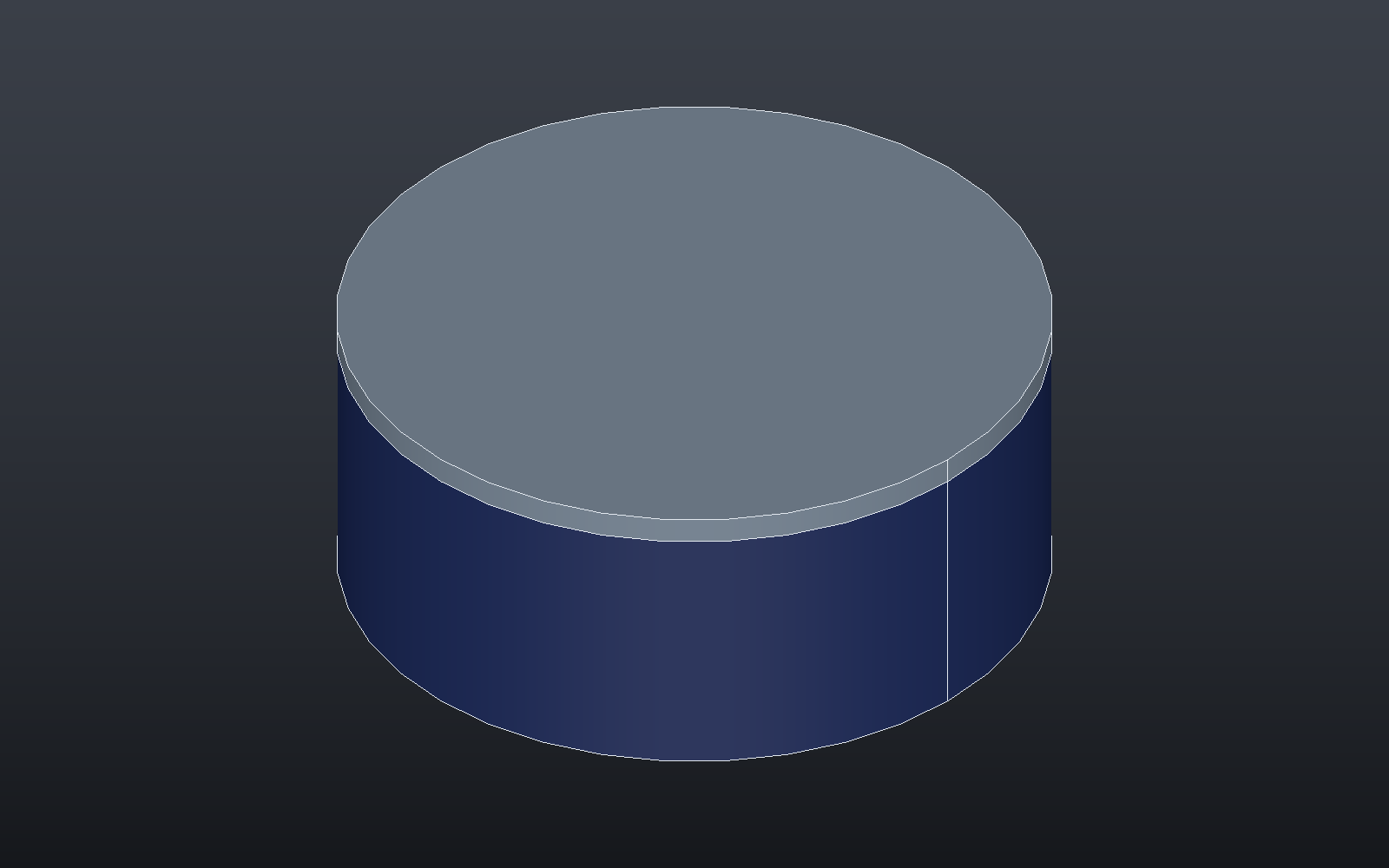
How to open it in DX-CAD
This example ships with DX-CAD. Copy it into a folder, then open it in the window:
dxcad examples mated_enclosure
dxcad gui mated_enclosure.py
To build it into a project from the command line instead:
dxcad run mated_enclosure.py --output mated_enclosure.dxcprt
dxcad describe mated_enclosure.dxcprt
Change a number at the top of the script and run it again: that is the whole of DX-CAD's parametric model.
The whole script: mated_enclosure.py
# SPDX-License-Identifier: Apache-2.0
"""A round enclosure whose lid is placed on its base by two mates.

The lid is built where it is easy to build, off to one side, and the mates
put it on: its axis in line with the base's, then the underside of its top
flush with the base's rim, its lip inside the wall. Make the base taller and
the lid follows it up. The one freedom left, the turn about the axis, is
reported by `dxcad describe`.

Tags: mates, assembly
"""

RADIUS = 40.0
HEIGHT = 30.0
WALL = 2.0
LID = 3.0
LIP = 4.0
CLEARANCE = 0.2

base = cut(
    make_cylinder(RADIUS, HEIGHT),
    translate(make_cylinder(RADIUS - WALL, HEIGHT - WALL), (0, 0, WALL)),
)
part("base", base, color="navy")

lip = RADIUS - WALL - CLEARANCE
ring = cut(make_cylinder(lip, LIP), make_cylinder(lip - WALL, LIP))
lid = fuse(make_cylinder(RADIUS, LID), translate(ring, (0, 0, -LIP)))
part("lid", translate(lid, (2 * RADIUS + 20, 0, 0)), color="steel")
mate("lid", "cylinder 1", "base", "cylinder 1", "concentric")
mate("lid", "<Z 2", "base", ">Z", "coincident")