
Tray
A sheet metal tray, a flange bent up on each edge of its base.
Uses: sheet metal.
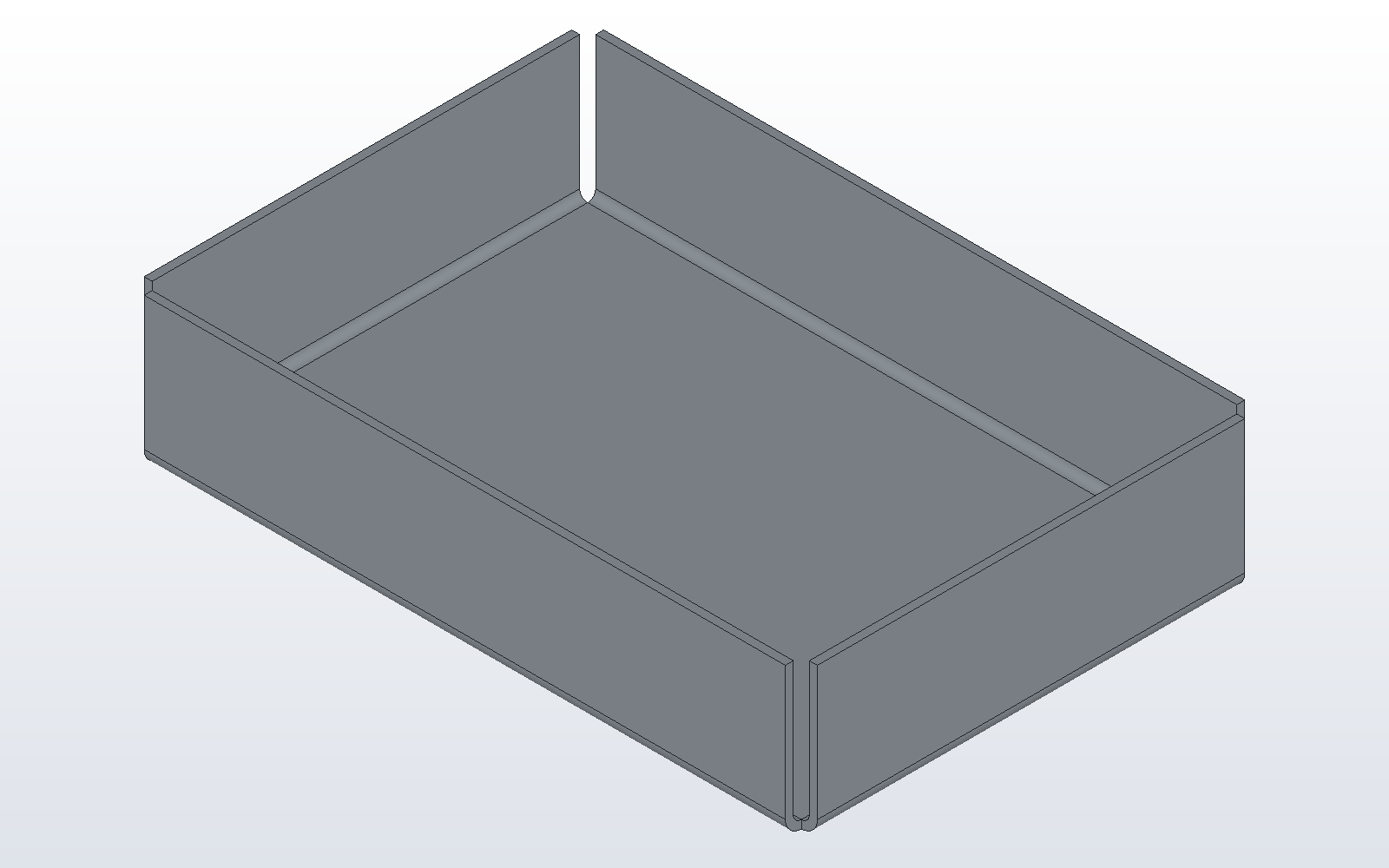
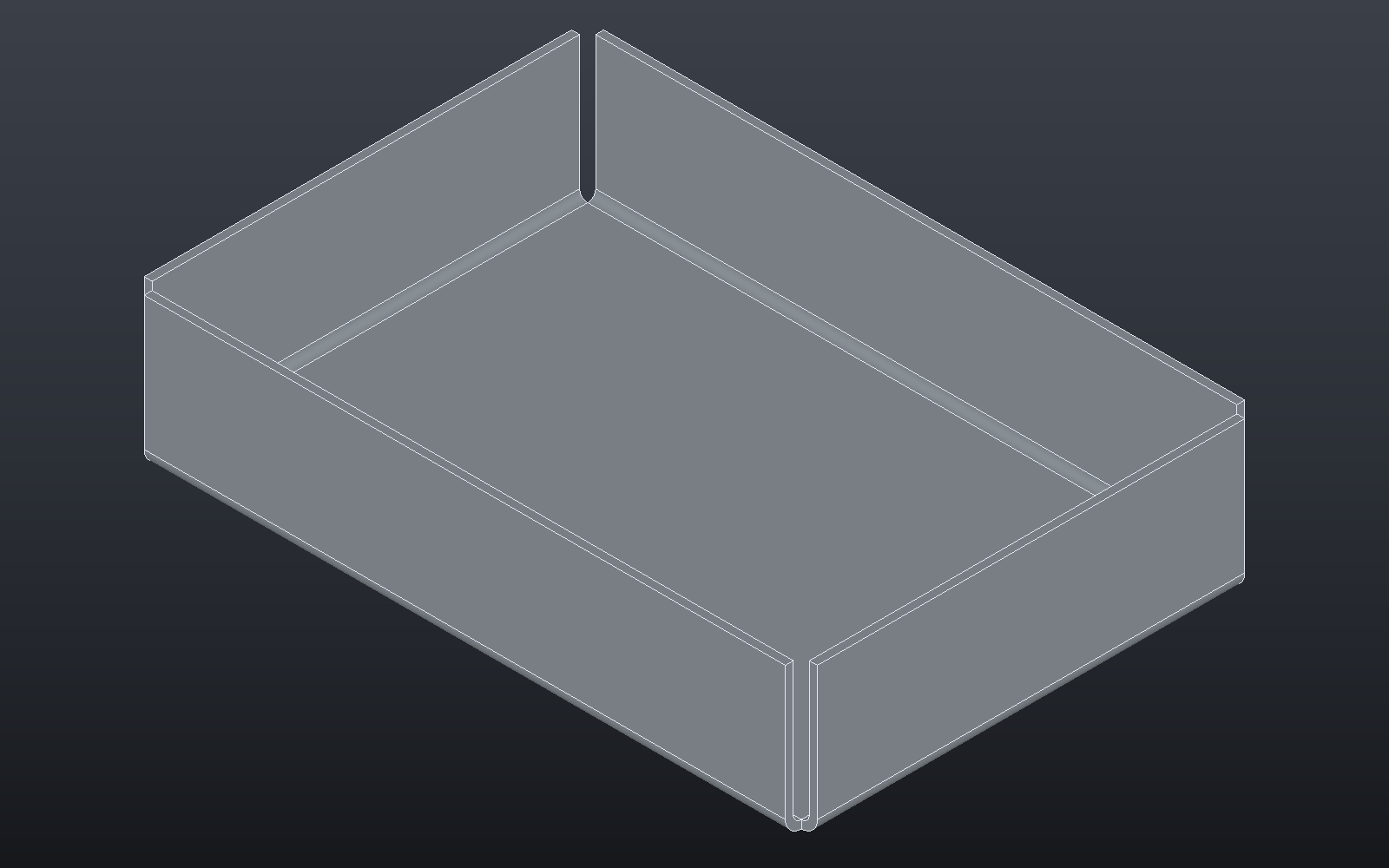
How to open it in DX-CAD
This example ships with DX-CAD. Copy it into a folder, then open it in the window:
dxcad examples tray
dxcad gui tray.py
To build it into a project from the command line instead:
dxcad run tray.py --output tray.dxcprt
dxcad describe tray.dxcprt
Change a number at the top of the script and run it again: that is the whole of DX-CAD's parametric model.
The whole script: tray.py
# SPDX-License-Identifier: Apache-2.0
"""A sheet metal tray, a flange bent up on each edge of its base.

The sheet is named once, in SheetSpec: its thickness, the inside radius every
bend is made with, and the K-factor the flat pattern is worked out with. The
corners are left open, so `dxcad flat` can unfold it for a laser.

Tags: sheet
"""

LENGTH = 120.0
WIDTH = 80.0
HEIGHT = 25.0
THICKNESS = 1.5
BEND_RADIUS = 1.5
K_FACTOR = 0.44

spec = SheetSpec(THICKNESS, BEND_RADIUS, K_FACTOR)
tray = base_flange([(0, 0), (LENGTH, 0), (LENGTH, WIDTH), (0, WIDTH)], spec)
for edge in range(4):
    tray = flange(tray, edge, HEIGHT)

part("tray", tray, color="galvanised")