
Free for any use until 15 November 2026
DX-CAD: 3D CAD for sheet metal, fabrication and 3D printing
Draw it. Script it in Python. Or ask AI to build it.
One window for 2D drafting, 3D parts, assemblies, sheet metal and production drawings, for engineers, fabricators and makers. Use the AI your company approves, or none at all: IT decides. Unfold sheet metal for the laser and press brake, check parts before you 3D print them, and exchange STEP, DXF, STL and 3MF with any other CAD.
Version 0.1.0, 16 October 2026. Windows 10 and 11 (64-bit), signed by Designmatix; builds for macOS (Apple silicon) and Linux too. Fabrication and Drafting Pro add-ons free during the launch offer.
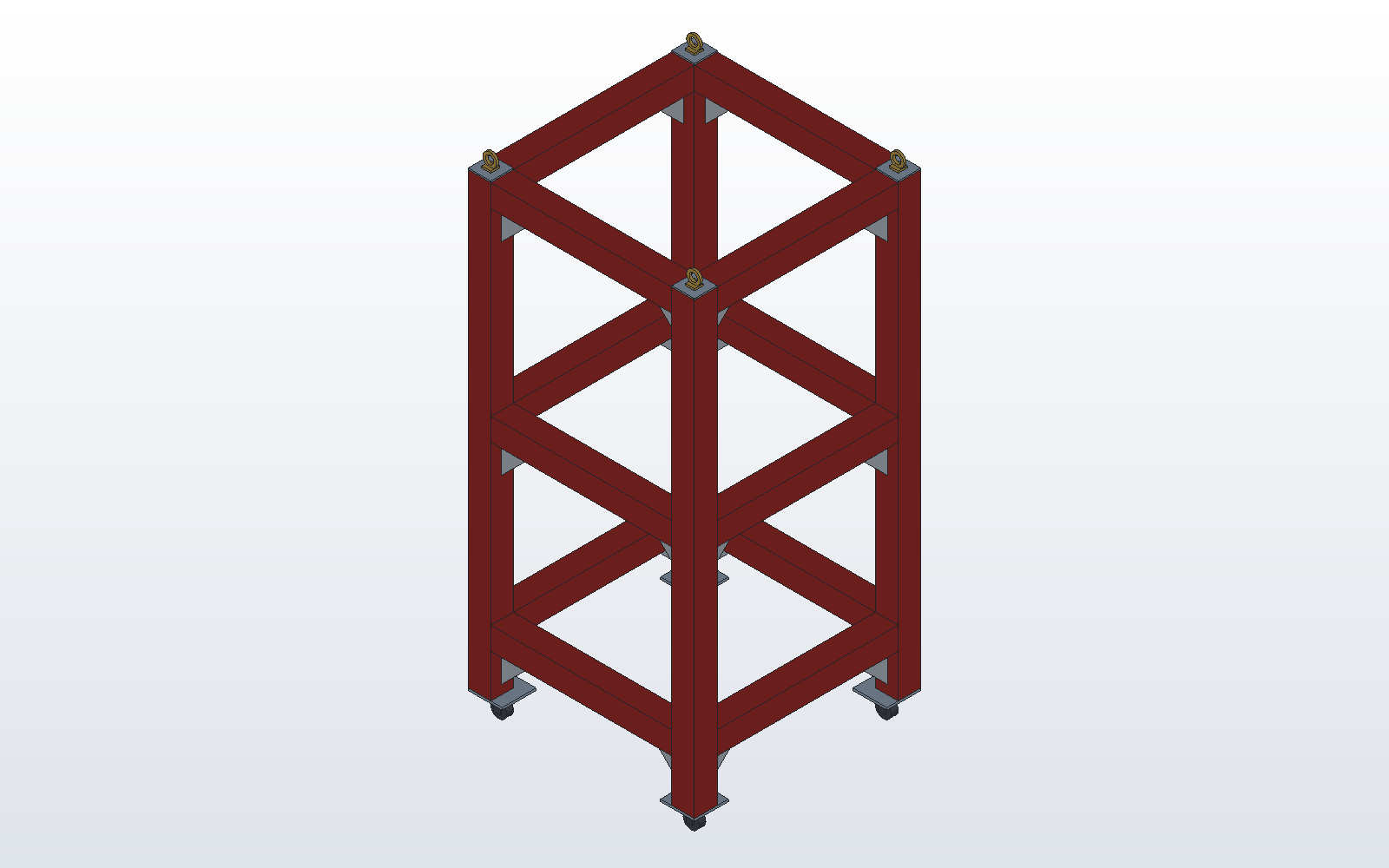
What DX-CAD does
From a first sketch to the laser, the press brake or the 3D printer, with the files your customers and colleagues already use.
Sheet metal
Base flanges, flanges with returns and hems, corner treatments and relief. Flat patterns by K-factor, checked against hand calculations in DX-CAD's own test suite, and exported as DXF with one line per bend, ready for your CAM.Gauge tables per material, and shop export profiles for your own layer names.
3D printing
Check a part before you print it: overhangs, the thinnest wall and its mass in your chosen material. Export STL and 3MF, colours included.
Assemblies
Parts placed by mates (coincident, concentric, distance, angle), with mate suggestions you confirm; parts used from their own files; sub-assemblies. Identical parts are counted together in the bill of materials.
Drawings
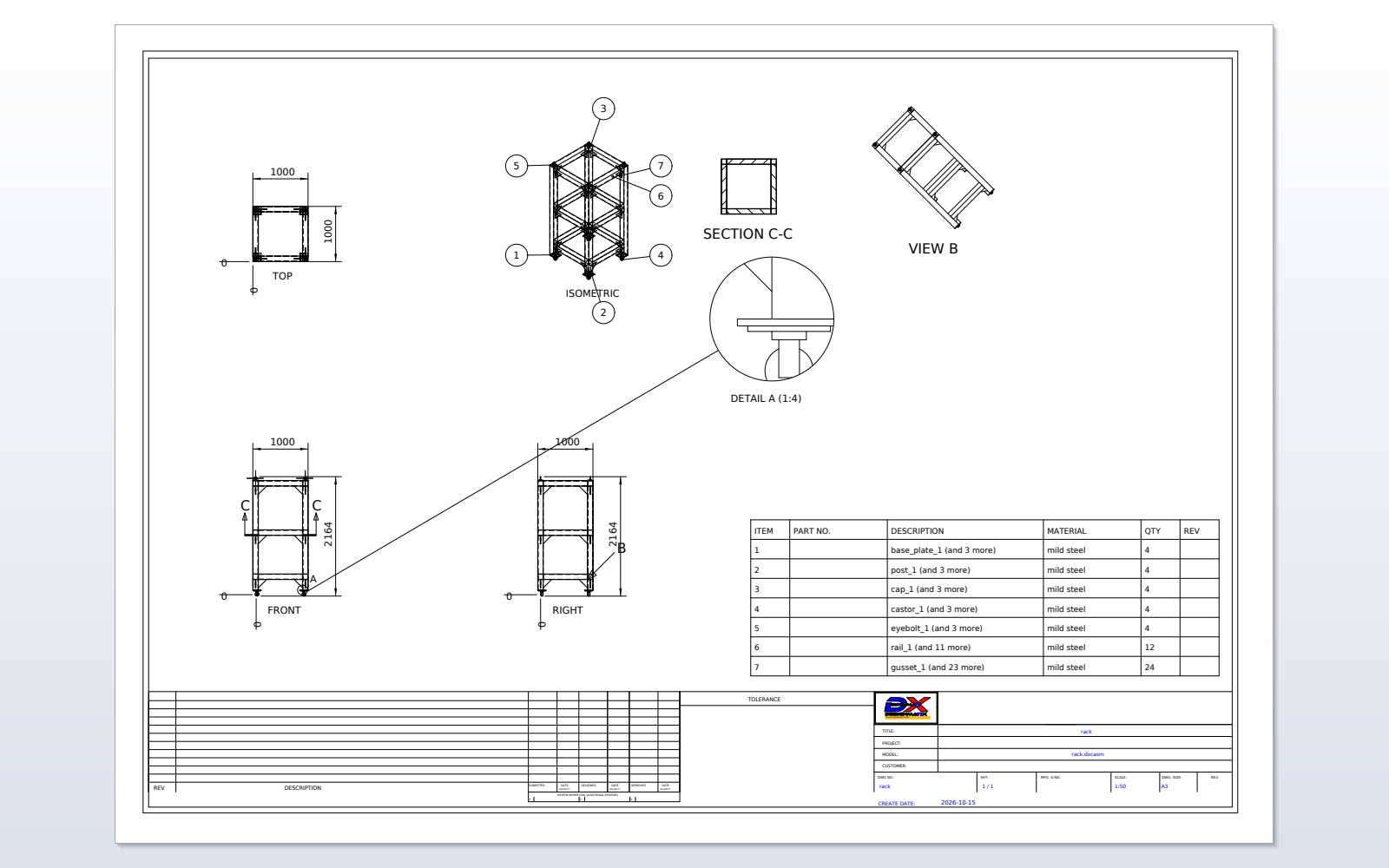
Drawing documents that follow their model, on ISO and ANSI sheets from A4 to A0 with your title block. Views at their own scale, parts lists with part numbers and revisions, grouped hole callouts, and export to PDF and DXF.
Works beside SOLIDWORKS
STEP import and export that keeps assembly structure, names, colours and custom properties, and a SOLIDWORKS-style controls option for mouse and keys, so mixed teams can share work.SOLIDWORKS is a trademark of Dassault Systèmes. DX-CAD is not affiliated with or endorsed by Dassault Systèmes.
Models you can read
Every model is also a short Python script. Change a number and rebuild, keep variants under version control, and automate repetitive parts. The SDK for add-ons is open source.
Your choice of AI
Ask the built-in assistant to build or change a model and watch each step appear; one Undo takes it back. Use your own key with Anthropic's Claude, OpenAI, Google Gemini or Azure OpenAI, or your own model on your own servers through any OpenAI-compatible endpoint. Agents such as Claude Desktop can drive DX-CAD through MCP.Claude is a trademark of Anthropic, PBC. OpenAI, Gemini and Azure are trademarks of their owners.
IT in control of AI
One policy setting, by Group Policy or a policy file, switches every AI feature off for the whole company, and DX-CAD then makes no connection to any AI service. Or allow only the providers and endpoints you have approved, such as your own Azure tenant, and decide whether model scripts, screenshots or photos may be sent. Users cannot override it, and the installer takes /NOAI for a rollout with no AI at all.
Fabrication add-on
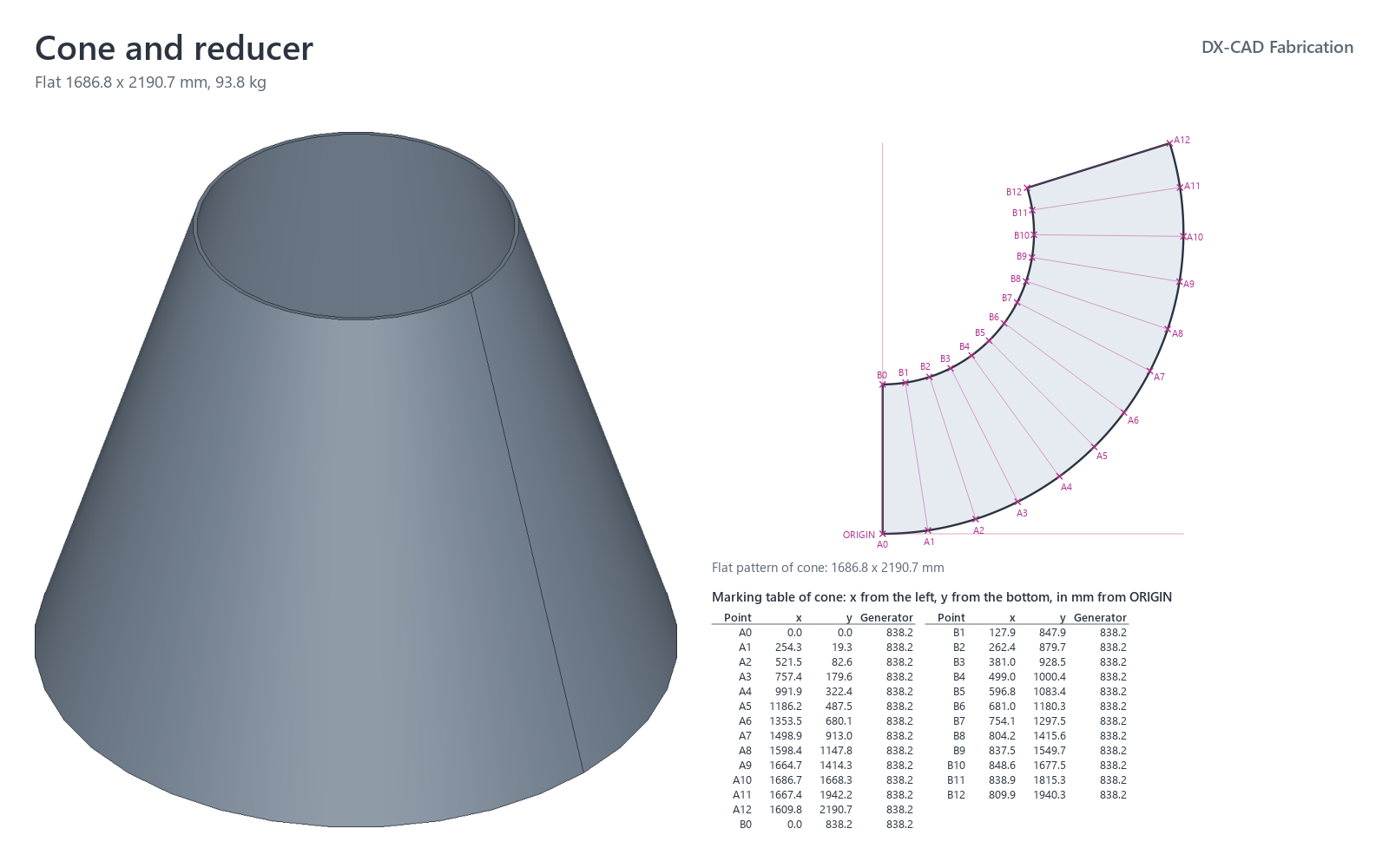
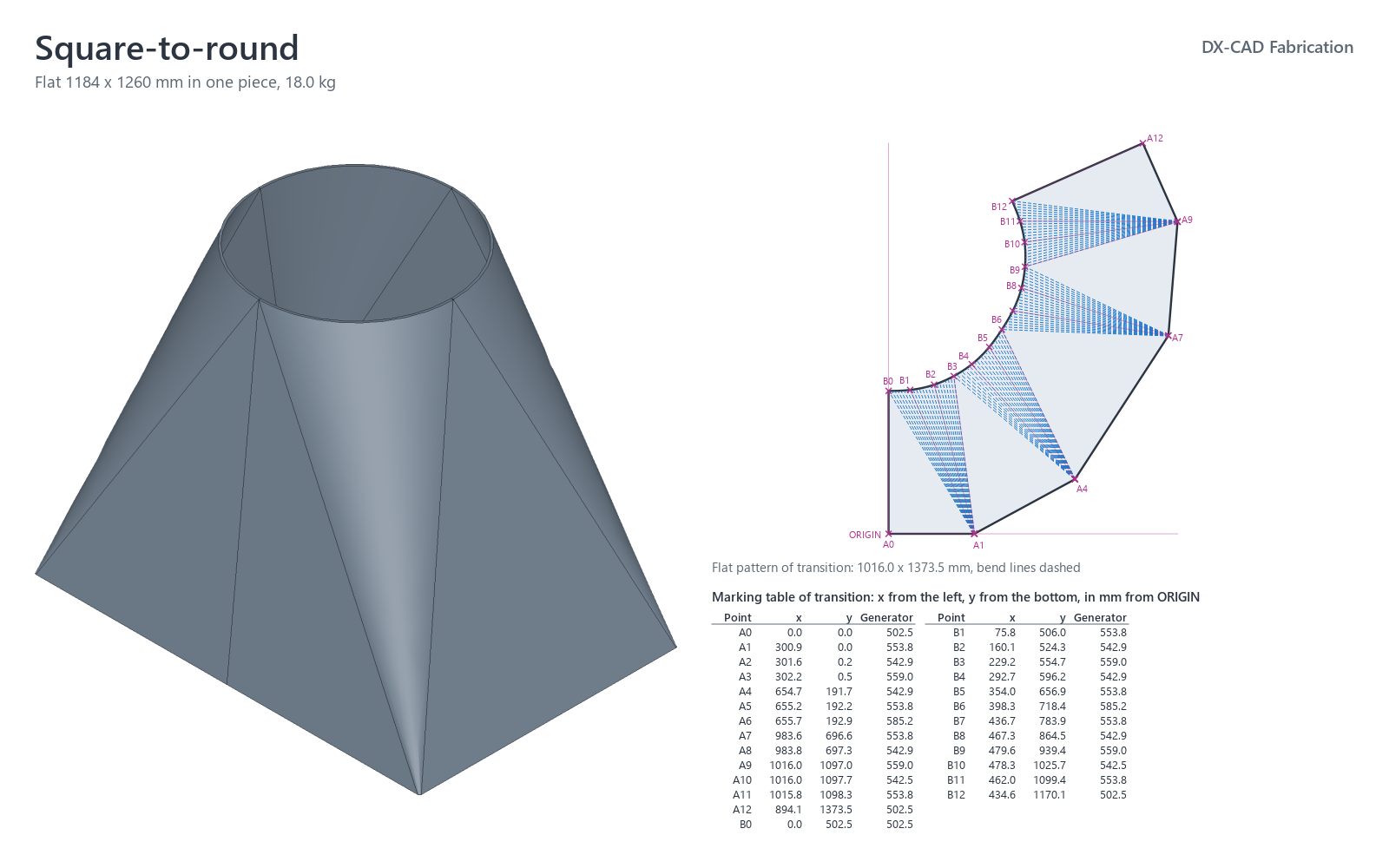
Cones and reducers, square-to-rounds, hoppers, Y-pieces, lobster elbows and branches, dished heads, press-brake parts such as trays, boxes, brackets and corner posts, and weldments with cut lists. Each with its flat pattern and a marking table for setting out by hand.
Drafting Pro add-on
Dimensions, balloons, hole tables, tolerances and GD&T, surface texture and weld symbols, revision tables and notes, automatic dimensioning and ballooning, and section, detail, auxiliary, shaded and exploded views.
Made with DX-CAD
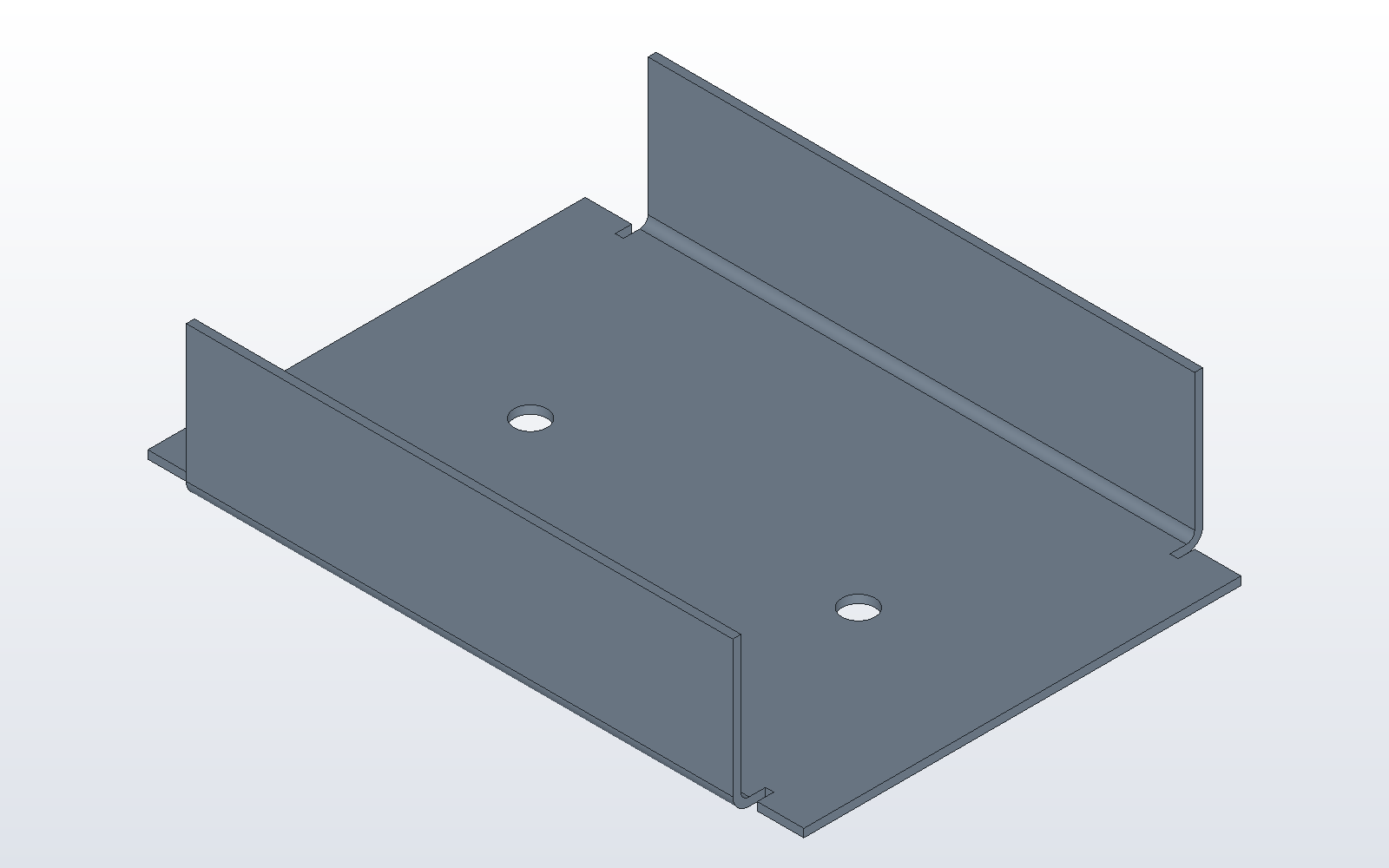
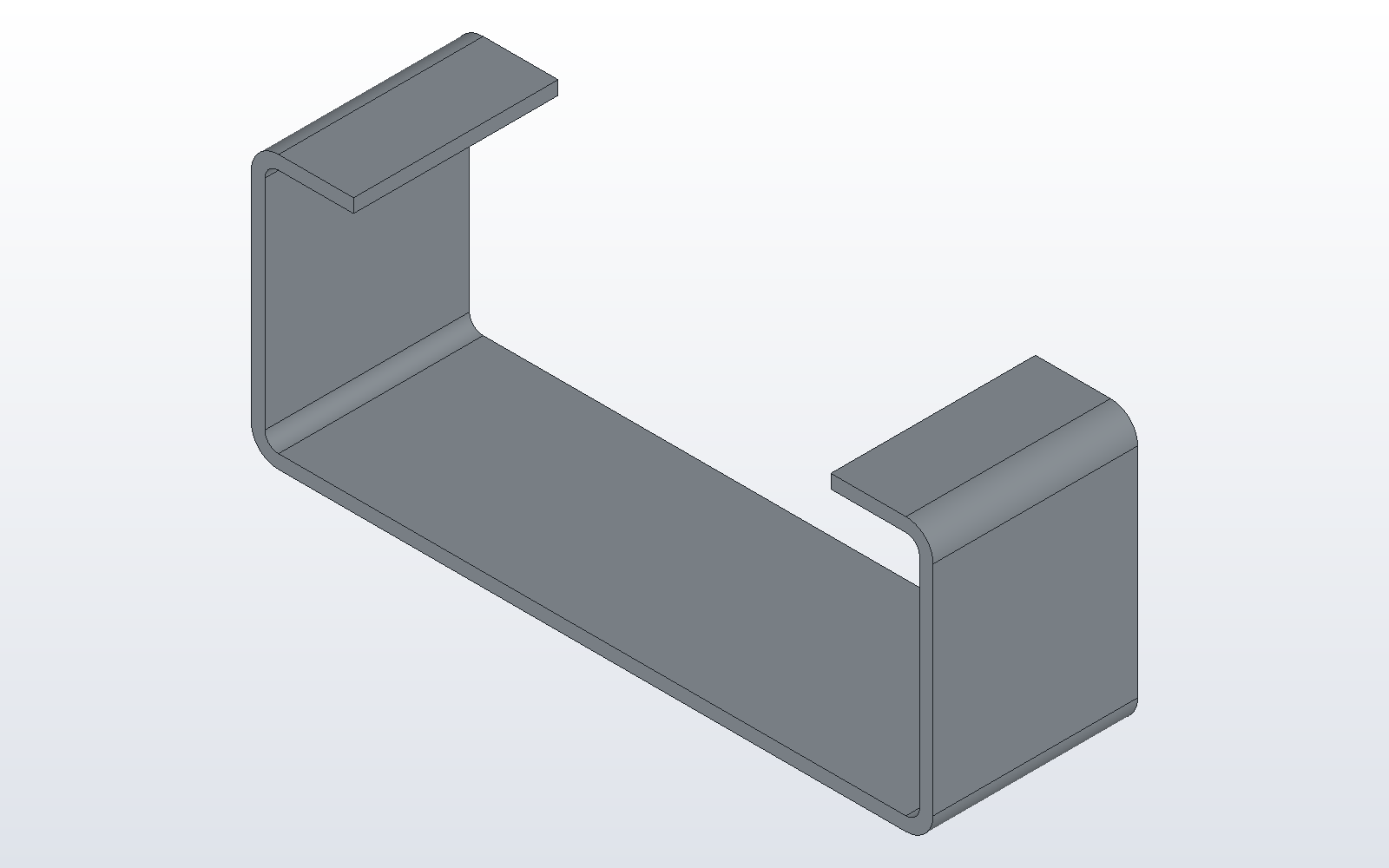
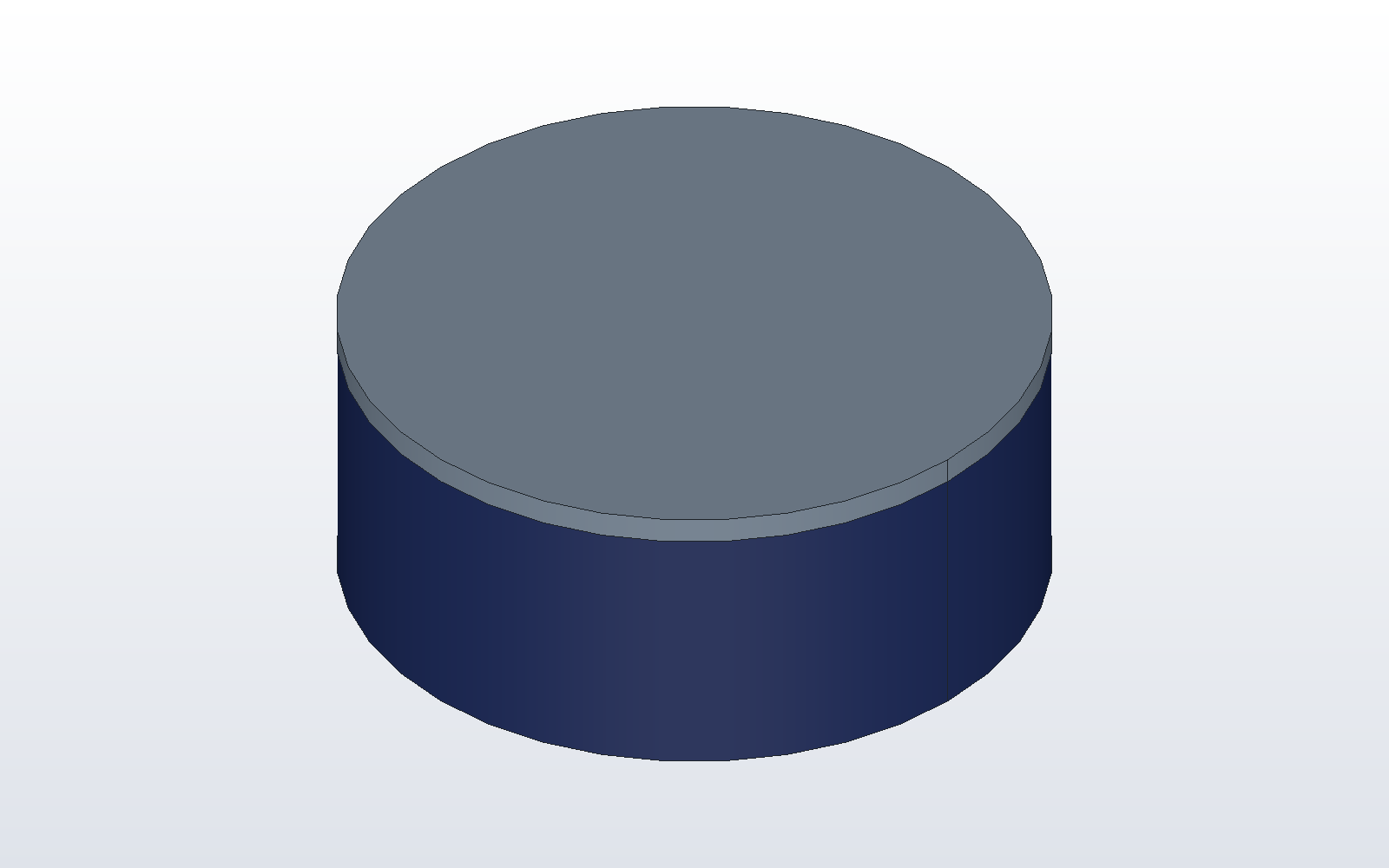
Examples that ship with DX-CAD and its add-ons. Open any of them from the start page and change it.
Editions and add-ons
The launch edition is free for any use until 15 November 2026, with the Fabrication and Drafting Pro add-ons unlocked. Every install gets at least 30 days: if your 30-day trial ends later, you keep it until then. After that, a DX-CAD licence keeps every feature of the core, and each add-on has its own licence.
| Feature | Launch editionFree until 15 November 2026 | DX-CAD licence£249 per user per year | Add-onIts own licence after the offer |
|---|---|---|---|
| Design | |||
| 2D sketches, 3D parts and assemblies in one window | Included | Included | Not applicable |
| Mates, part files, sub-assemblies and smart mate suggestions | Included | Included | Not applicable |
| Models as Python scripts, and the open-source SDK | Included | Included | Not applicable |
| SOLIDWORKS-style mouse and keys, command search and a feature tree | Included | Included | Not applicable |
| Sheet metal and fabrication | |||
| Flanges, returns, hems, corner treatments and flat patterns to DXF | Included | Included | Not applicable |
| Gauge tables and shop export profiles | Included | Included | Not applicable |
| Cones, transitions, hoppers, Y-pieces, elbows and branches, with flat patterns and marking tables | IncludedFabrication add-on, unlocked | Not included | IncludedFabrication |
| Press-brake parts, dished heads, weldments and cut lists | IncludedFabrication add-on, unlocked | Not included | IncludedFabrication |
| Drawings | |||
| Drawing documents, title blocks and parts lists, to PDF and DXF | Included | Included | Not applicable |
| Dimensions, balloons, hole tables, tolerances and GD&T, section, detail and exploded views | IncludedDrafting Pro add-on, unlocked | Not included | IncludedDrafting Pro |
| 3D printing and exchange | |||
| Print checks, STL and 3MF export | Included | Included | Not applicable |
| STEP import and export with structure, names, colours and properties | Included | Included | Not applicable |
| Open SOLIDWORKS files directly | Not included | Not included | IncludedExchange, planned |
| AI | |||
| Built-in assistant with your own key: Claude, OpenAI, Gemini, Azure OpenAI or your own model | Included | Included | Not applicable |
| Claude Desktop and other agents, through MCP | Included | Included | Not applicable |
| AI policy for IT: off company-wide, or only approved providers, by Group Policy | Included | Included | Not applicable |
| Assistant with no key needed, through a DX-CAD account | Not included | Not included | IncludedHosted assistant, planned |
Pricing
Free during the launch offer, then a licence per user. Your files stay yours: without a licence you can always open, view and export them.
| Launch offer | Every feature of the launch edition, with the Fabrication and Drafting Pro add-ons, for any use, including commercial work, until 23:59 UK time on 15 November 2026. | Free |
|---|---|---|
| Free trial | Every install gets 30 days from the first time DX-CAD starts; they count during the launch offer too, so you are free until 15 November or until your 30 days end, whichever is later. No card needed. | Free |
| DX-CAD licence | Per user, renewed yearly. Company licences cover a set number of seats, moved between computers as people change. A full refund within 14 days of any payment, no reason needed: see the refund policy. | £249per user per year, plus VAT where it applies |
| Add-ons | Fabrication and Drafting Pro: unlocked with no key during the launch offer and your trial; after that, each needs a licence of its own. | Free nowpriced separately after the offer |
VAT or sales tax is added at checkout where it applies. Our order process is conducted by our online reseller Paddle.com, the Merchant of Record for all our orders.
Download DX-CAD
By downloading or using DX-CAD you accept the licence agreement. Version 0.1.0, released 16 October 2026: see what it does and its known limitations.
Windows
Installer for Windows 10 and 11, 64-bit, signed by Designmatix Ltd; or a portable zip that needs no installing. After installing, start DX-CAD from the Start menu (in the zip, run DX-CAD.exe; dxcad.exe beside it is the command line).
Download installer Portable zipAdd-ons for Windows
Fabrication and Drafting Pro, free during the launch offer. Download the file, then in DX-CAD choose Help > Add-ons..., press Install from File..., pick it, and restart DX-CAD. Questions: support@designmatix.co.uk.
Fabrication Drafting PromacOS and Linux
An app for Apple silicon Macs and an AppImage for 64-bit Linux. The macOS app is not yet signed by Apple: the first time, right-click DX-CAD and choose Open. On Linux, mark the AppImage executable (chmod +x).
macOS LinuxWith Python
For Python 3.12 users and developers:
pip install dxcad
Build your own add-ons and tools with the open-source SDK (pip install dxcad-sdk).