
DX-CAD › AI CAD
Your choice of AI
AI CAD with the AI your company approves, or none at all
Ask DX-CAD's assistant to build or change a model and watch each step appear in the window; one Undo takes it back. Your IT department decides which AI it may use, or switches it off.
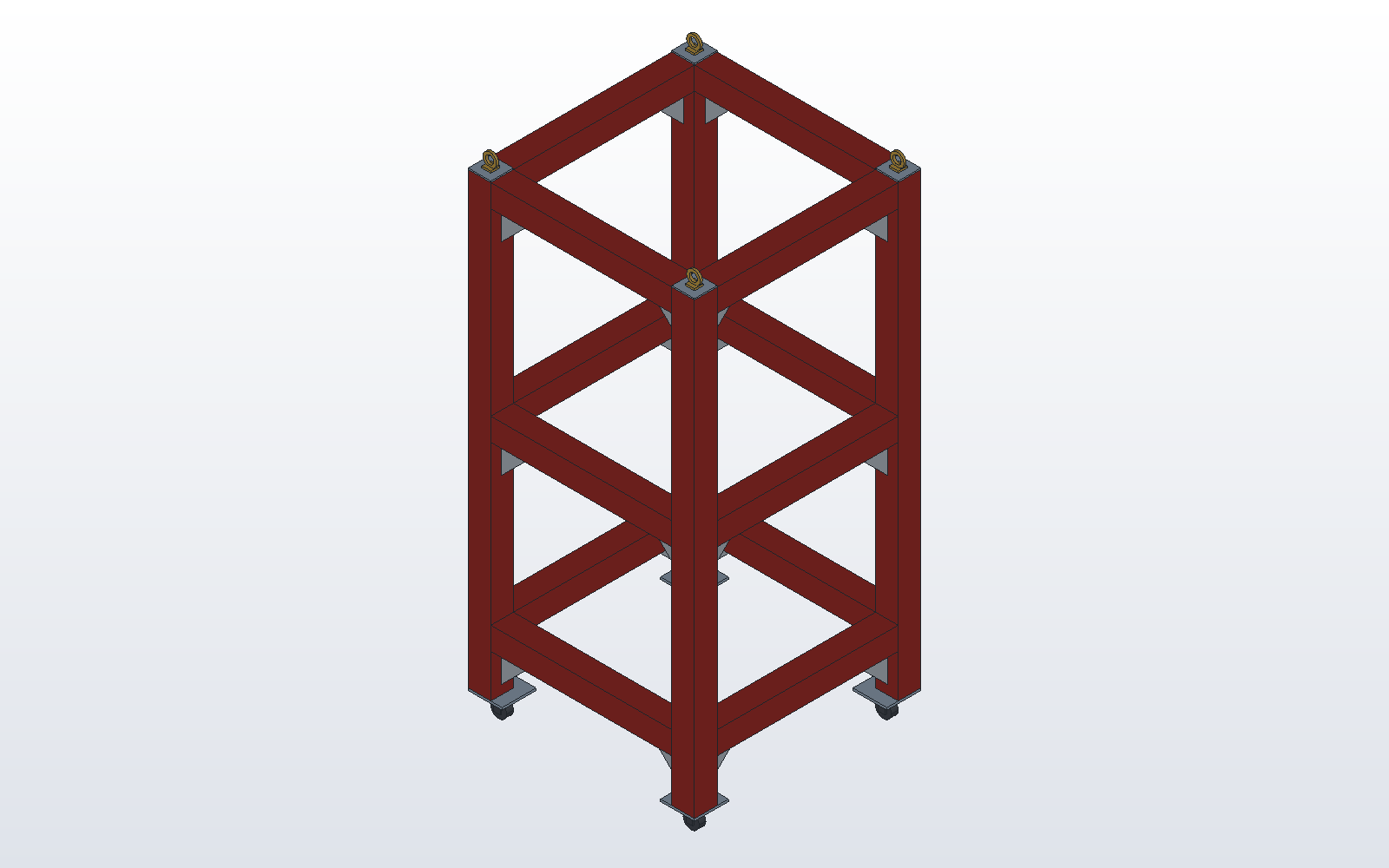
An assistant that works in your model
Every step shown
The assistant builds with DX-CAD's own commands, so you watch each step appear in the window, and one Undo takes the whole request back.
Your own key, your provider
Use Anthropic's Claude, OpenAI, Google Gemini or Azure OpenAI with your own key, or your own model on your own servers through any OpenAI-compatible endpoint.
Agents through MCP
Claude Desktop and other agents can drive DX-CAD through MCP: build parts, check their sizes and holes, and save them.
Models you can check
What the AI builds is a readable Python script and a valid solid, measured and described, not a mesh you have to trust.
IT in control
One switch for the company
One policy setting, by Group Policy or a policy file, removes every AI feature, and DX-CAD then makes no connection to any AI service.
Only approved providers
Or allow only the providers and endpoints you have approved, such as your own Azure tenant, and decide whether scripts, screenshots or photos may be sent.
Users cannot override it
Settings the policy makes are not offered to users and say "set by your organisation"; dxcad doctor --report states the policy in force.
A rollout with no AI
The Windows installer takes /NOAI for a deployment with no AI at all.
Questions
Does DX-CAD send my models to an AI service?
Only if you use the assistant with a provider your company allows, and only what the policy lets it send. With AI switched off by policy, DX-CAD makes no connection to any AI service.
Which AI providers can I use?
Anthropic's Claude, OpenAI, Google Gemini and Azure OpenAI with your own key, or any OpenAI-compatible endpoint, including a model on your own servers.
Can IT turn AI off?
Yes, for the whole company, by Group Policy or a policy file, or at install with /NOAI. Users cannot turn it back on.
Can it make a part from a sentence?
Yes, through the assistant or an agent such as Claude Desktop. For a quick STEP file from a description with no CAD open, see Designmatix Text-to-CAD.
Read more: AI policy for IT departments · DX-CAD for agents · Tutorial: DX-CAD with Claude Desktop
Claude is a trademark of Anthropic, PBC. OpenAI, Gemini and Azure are trademarks of their owners.